

YouTube channel चलाने में recording और editing के अलावा research, script, SEO, thumbnail, transcription, short clips और admin work भी होता है। AI इन stages पर time बचा सकता है, लेकिन हर काम के लिए एक ही tool best नहीं होता।
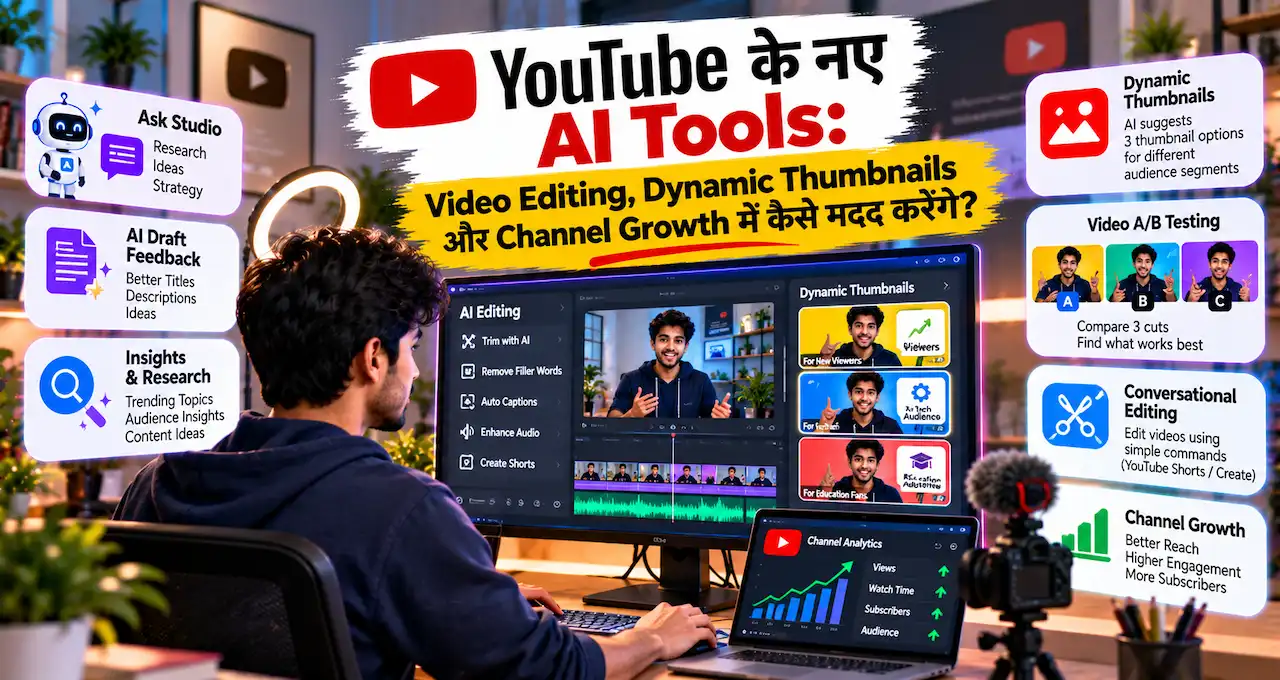
इस guide का focus है कि कौन-सा third-party AI tool creator workflow के किस हिस्से में useful है। YouTube के अपने Ask Studio, Dynamic Thumbnails, conversational editing और native A/B testing यहाँ intentionally exclude हैं।
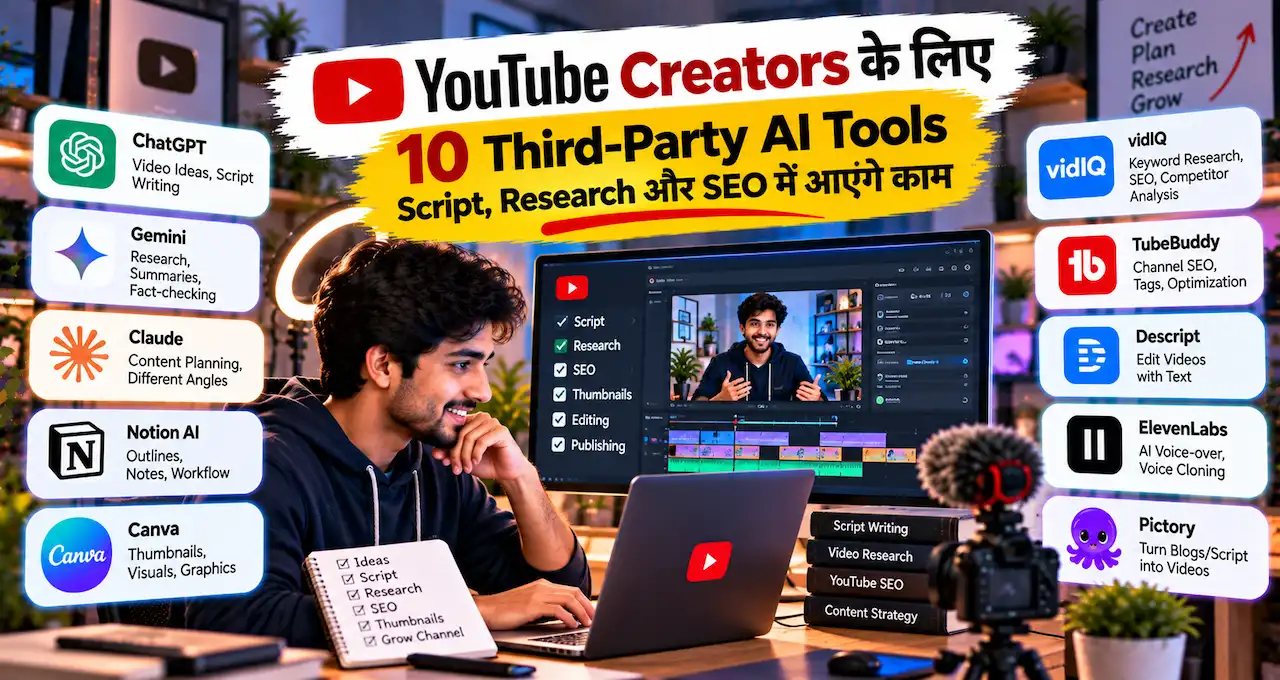
आगे 10 external tools को practical creator stack की तरह समझते हैं।
इस लेख में आप क्या सीखेंगे?
- सही AI Tool चुनना
- Script Workflow आसान बनाना
- Research और SEO Tools
- Editing और Transcription Workflow
- Shorts Repurposing Strategy
- Voice और Visual Support
- Automation Stack बनाना
पहले Decide करें: आपके Workflow में Bottleneck कहाँ है?
10 tools की list देखकर 10 accounts बनाना useful strategy नहीं है। पहले अपना biggest bottleneck पहचानें।
Research slow है तो research tool, script structure weak है तो writing assistant, discoverability problem है तो YouTube SEO tool, long videos से Shorts बनाना manual है तो repurposing tool और repetitive admin work है तो automation relevant हो सकता है।
Simple framework रखें:
Problem → Tool → Test → Result → Keep या Remove
Paid subscription तभी लें जब tool measurable friction कम करे।
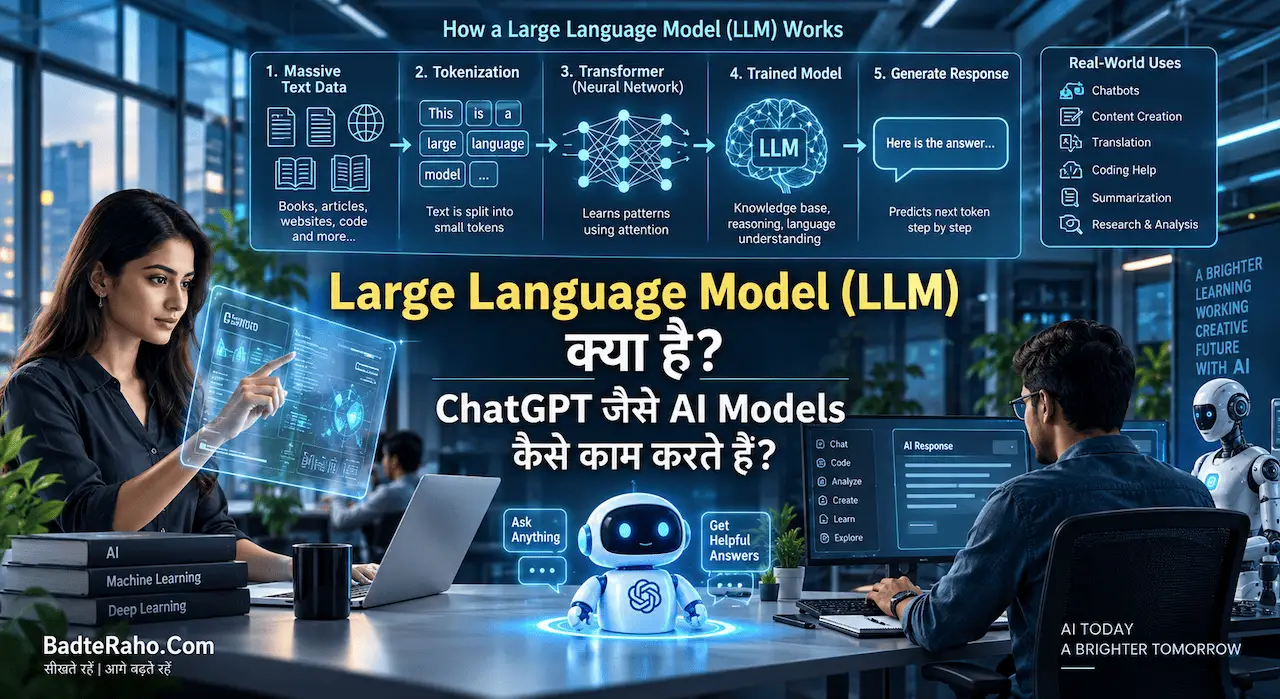
Prompt-based tools का उपयोग करते हैं तो Prompt Engineering क्या है? AI से बेहतर जवाब पाने के लिए Prompt कैसे लिखें? की basics पहले समझना useful है, क्योंकि vague instruction से अच्छे model का output भी generic हो सकता है।
1. ChatGPT — Script, Outline और Content Refinement
ChatGPT का better use “viral script बना दो” नहीं, बल्कि verified material को structure और refine करना है।
यह rough notes को outline में बदलने, intro angles सोचने, repetition हटाने, complex topic आसान करने, title variations बनाने और transcript summarize करने में मदद कर सकता है।
Technology topic पर scattered research notes हों तो AI से कह सकते हैं:
इन verified notes के आधार पर 8–10 minute YouTube explainer का structured outline बनाएं। कोई नया fact invent न करें। Repeated points merge करें, शुरुआत में clear hook रखें और sections को logical order में arrange करें।
अगर source PDFs, documents या notes से काम करना है, तो ChatGPT में File Upload करके क्या-क्या कर सकते हैं? workflow को और useful बना सकता है।
किस creator के लिए: explainers, tutorials, education, business, technology और research-heavy channels.
Free/Paid nature: Free access available है; paid plans higher limits और broader capabilities दे सकते हैं।
Limitation: polished writing factual correctness की guarantee नहीं है। Final script को source material के against verify करें।
2. Perplexity — Fast Research और Source Discovery
Perplexity का strongest use case web research और source discovery है।
Creator इसे किसी topic का background समझने, recent developments खोजने, primary sources locate करने और conflicting claims compare करने के लिए use कर सकता है।
उदाहरण:
पिछले 12 महीनों में [Topic] से जुड़े major developments खोजें। Official sources, regulators, company announcements और established publications को priority दें। हर claim के साथ source दें और uncertain information को अलग mark करें।
इससे research तेज़ हो सकती है, लेकिन AI summary को final source न मानें। Important claim के लिए linked source खोलकर actual page पढ़ें—खासकर finance, technology, government schemes और current product features में।
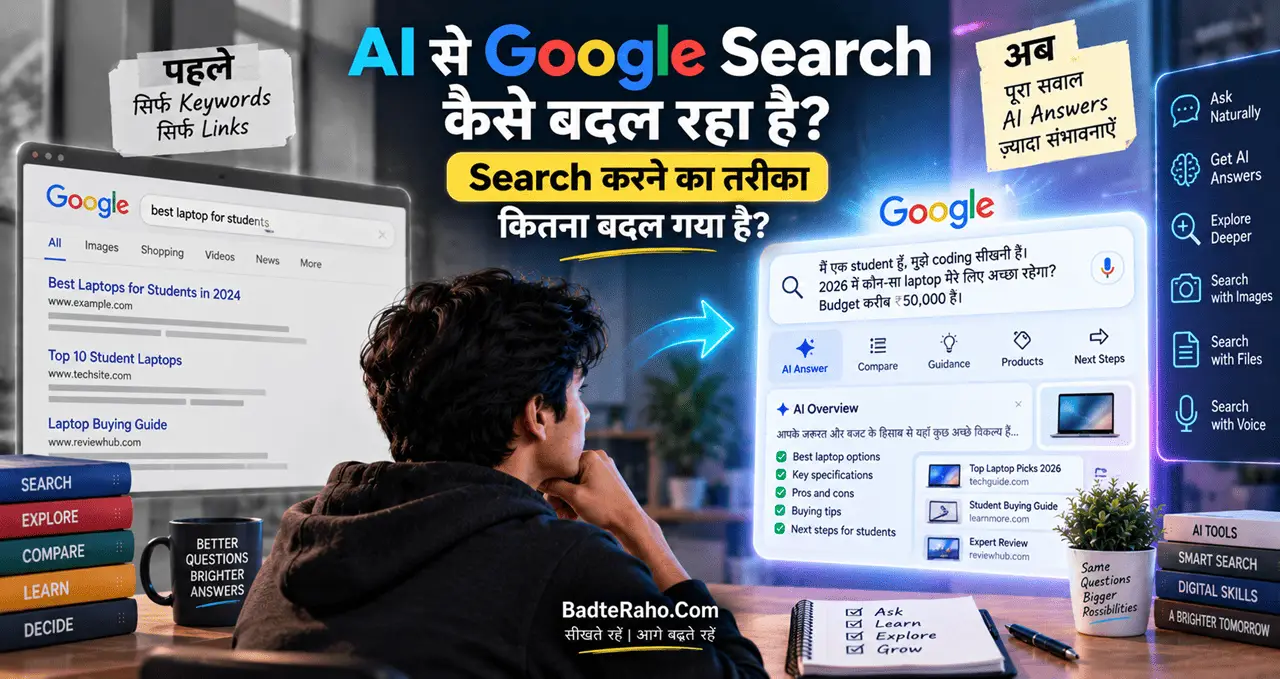
अगर आप AI search broader level पर traditional search को कैसे बदल रहा है, यह समझना चाहते हैं, तो AI से Google Search कैसे बदल रहा है? useful context देगा।
किस creator के लिए: current affairs explainers, tech, finance, education और evidence-heavy videos.
Free/Paid nature: Free Standard plan available है; advanced research, premium models और higher usage paid plans में मिलते हैं।
Limitation: source citation होने पर भी summary गलत interpret हो सकती है।
3. vidIQ — YouTube Research और Channel Optimization
vidIQ generic AI writing tool नहीं, YouTube-specific creator platform है।
इसके tools creators को keyword research, trends, competitor insights, content opportunities, optimization और AI Coach जैसे workflows में मदद कर सकते हैं।
Personal finance channel “credit card” जैसे broad topic पर related terms, niche trends, competing videos और opportunities देख सकता है।
लेकिन score को guarantee न मानें। High-volume keyword बहुत competitive हो सकता है, जबकि smaller query ज्यादा relevant audience ला सकती है।
किस creator के लिए: channels जो regular keyword research, trend tracking और competitor analysis करते हैं।
Free/Paid nature: Free tier में limited AI credits और research access मिलता है; higher plans research limits, insights और AI usage expand करते हैं।
Limitation: optimization tool कमजोर video idea या poor retention को automatically fix नहीं कर सकता।
4. TubeBuddy — SEO और Browser-Based Creator Workflow
TubeBuddy भी YouTube-focused tool है, लेकिन इसका workflow अक्सर directly YouTube interface के आसपास useful लगता है।
Creator इसे keyword exploration, SEO guidance, channel productivity, thumbnail analysis और optimization-related tasks के लिए use कर सकता है।
vidIQ और TubeBuddy में काफी overlap है, इसलिए beginner को दोनों paid plans लेने की ज़रूरत नहीं है। Free versions test करके देखें कि interface, keyword data और upload workflow में कौन better fit होता है। TubeBuddy browser-based optimization पसंद करने वालों को practical लग सकता है।
किस creator के लिए: beginners से लेकर established channels तक, खासकर जिन्हें SEO और publishing workflow support चाहिए।
Free/Paid nature: Free plan available है; paid tiers advanced search, analytics, A/B और AI-related capabilities expand करते हैं।
Limitation: tags और SEO optimization को growth strategy का substitute न बनाएं। Viewer satisfaction और content quality ज्यादा important हैं।
5. Notion AI — Content Planning और Creator Operating System
कई creators की problem ideas की नहीं, organization की होती है। Research, scripts, thumbnails और deadlines अलग-अलग जगह बिखरे रहते हैं।
Notion इन्हें एक content system में organize कर सकता है, जबकि Notion AI summaries, drafting, information retrieval और planning में मदद कर सकता है।
Simple content database stages:
Idea → Research → Script → Record → Edit → Thumbnail → Schedule → Publish
हर video के साथ owner, deadline, source links, sponsor details और publishing status track किए जा सकते हैं।
Solo creator के लिए simple board काफी है। Team channel के लिए writer, editor और designer की responsibilities भी जोड़ सकते हैं।
किस creator के लिए: consistent upload schedule, multiple content series या small creator teams.
Free/Paid nature: Notion का free workspace available है; AI का limited trial usage मिल सकता है, जबकि fuller AI capabilities higher plans में मिलती हैं।
Limitation: productivity system इतना complex न बनाएं कि actual content creation से ज्यादा time dashboard maintain करने में जाए।
6. Descript — Transcript-Based Video और Audio Editing
Descript उन creators के लिए interesting है जिन्हें timeline-based editing slow या intimidating लगती है।
इसका core workflow video/audio को transcript की तरह edit करना है। Spoken section का text delete करने पर corresponding media भी edit हो सकता है।
यह useful है:
- podcasts
- interviews
- talking-head videos
- tutorials
- captions
- filler-word cleanup
- basic audio enhancement
- short clips
45-minute interview से 90-second section हटाना हो तो transcript में paragraph locate करना timeline waveform खोजने से आसान लग सकता है। AI cleanup speed बढ़ाता है, लेकिन final pacing manually judge करें।
किस creator के लिए: speech-heavy videos, podcasts, interviews और tutorials.
Free/Paid nature: Free plan limited media hours और AI use के साथ available है; paid plans higher processing, exports और advanced AI capabilities देते हैं।
Limitation: cinematic editing, complex motion graphics या detailed frame-level control के लिए traditional editor की ज़रूरत रह सकती है।
7. OpusClip — Long Video से Shorts और Reels
अगर आप long-form YouTube videos बनाते हैं, तो हर video के अंदर कई short-form moments हो सकते हैं।
OpusClip long content से potential short clips identify करने, vertical reframing, captions और social-ready edits बनाने पर focus करता है।
Podcast, interview या webinar से multiple candidate clips बन सकते हैं। लेकिन “viral score” publish-worthiness की guarantee नहीं है।
हर clip में context, opening, captions और cuts check करें। Short-form repurposing में context loss बड़ा risk है।
किस creator के लिए: podcasters, interview channels, educators, coaches और long-form creators.
Free/Paid nature: Free tier available है, लेकिन credits, watermark/editing और export limits हैं; regular production के लिए paid plans ज्यादा practical हो सकते हैं।
Limitation: AI highlight selection editorial judgement replace नहीं करता।
8. ElevenLabs — Voice-over, Dubbing और Audio Workflows
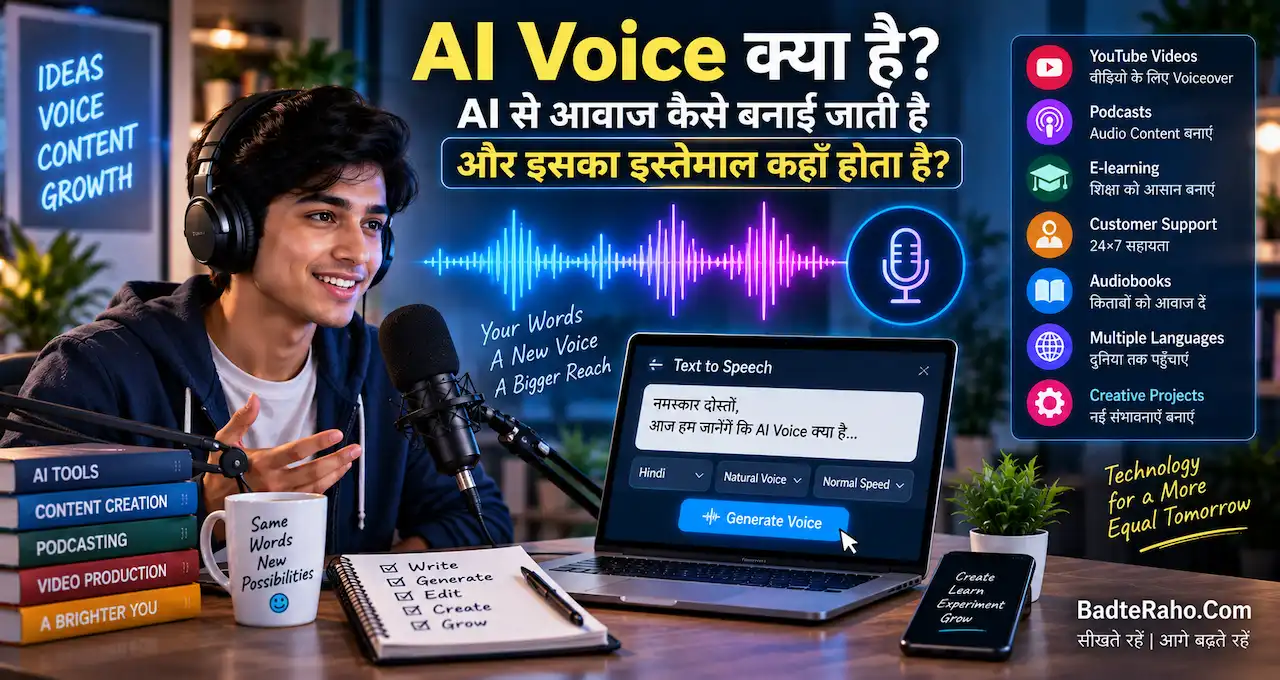
Faceless explainer, documentary, animation या multilingual content में AI voice useful हो सकती है।
ElevenLabs text-to-speech, voice design, cloning, speech-to-text और dubbing जैसे tools provide करता है।
Creator इसका use कर सकता है:
- narration
- alternate-language audio
- dubbing
- pronunciation experiments
- voice prototypes
- character voices
Voice cloning में consent सबसे important rule है। किसी दूसरे person की आवाज़ permission के बिना imitate या clone नहीं करनी चाहिए।
AI Voice का basic concept समझने के लिए AI Voice क्या है? AI से आवाज कैसे बनाई जाती है और इसका इस्तेमाल कहाँ होता है? useful है।
किस creator के लिए: faceless channels, documentaries, explainers और multilingual content.
Free/Paid nature: Free tier testing के लिए available है; commercial license और advanced cloning paid tiers से शुरू होते हैं।
Limitation: natural-sounding voice गलत script को भी confidently पढ़ सकती है। Pronunciation, facts और rights manually verify करें।
9. Canva — Thumbnail और Visual Production
Canva को सिर्फ़ AI image generator समझना limiting होगा।
YouTube creator के लिए इसका बड़ा फायदा repeatable visual workflow है।
आप channel के लिए:
- thumbnail templates
- brand fonts
- reusable layouts
- background removal
- image enhancement
- text effects
- graphics
- AI-generated visual elements
एक जगह manage कर सकते हैं।
Templates speed देते हैं, लेकिन हर video पर same layout copy न करें। Channel identity consistent रहे, message topic-specific हो।
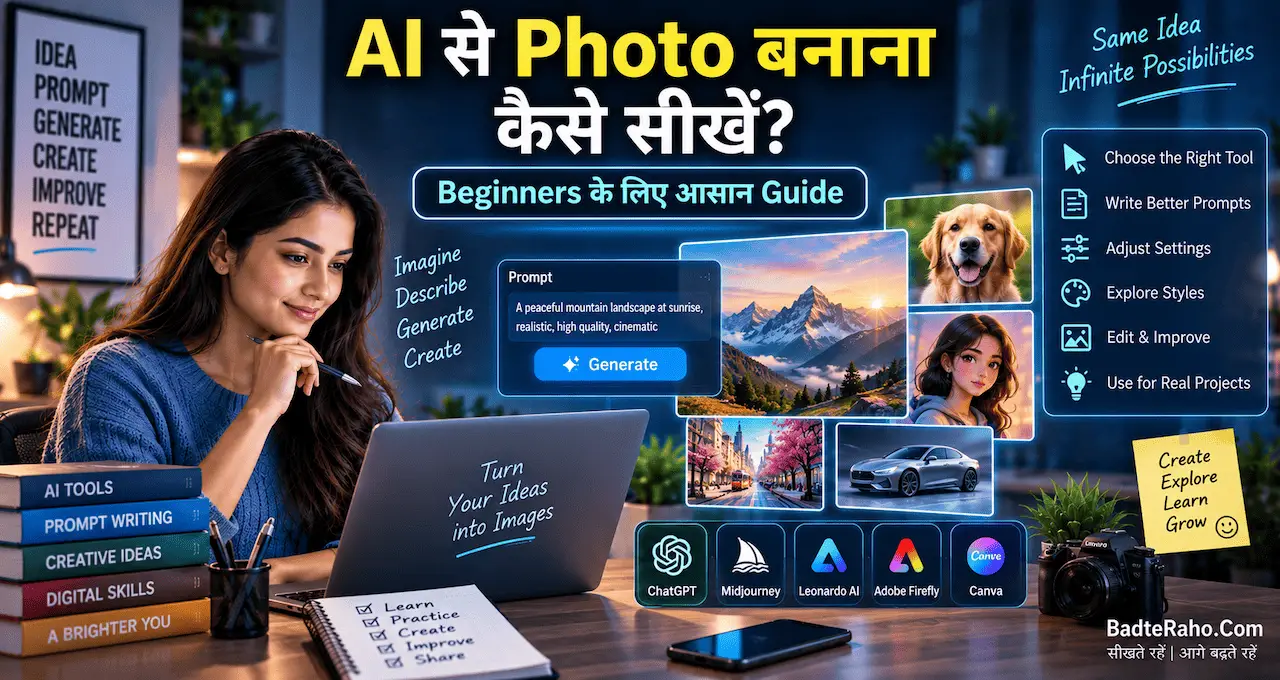
अगर AI visuals की foundation सीखनी है तो AI से Photo बनाना कैसे सीखें? Beginners के लिए आसान Guide useful है।
और अगर AI image की ज़रूरत ही नहीं है, तो फ्री स्टॉक फोटो वेबसाइट: Bloggers, YouTubers और Projects के लिए 2026 की Best Websites legitimate source material खोजने में मदद कर सकती हैं।
किस creator के लिए: लगभग हर channel जिसे thumbnails, community graphics या social creatives चाहिए।
Free/Paid nature: Canva Free usable design toolkit देता है; Pro में premium assets और higher AI/design capabilities मिलती हैं।
Limitation: ready-made templates पर ज्यादा depend करने से thumbnails generic दिख सकते हैं।
10. Zapier — Repetitive Creator Tasks Automate करने के लिए
Zapier direct video creation tool नहीं है।
यह उन repetitive tasks के लिए useful है जो channel grow होने के साथ background में बढ़ते जाते हैं।
उदाहरण:
Sponsor enquiry form आया
↓
Spreadsheet में record बने
↓
Notion में task बने
↓
Team को notification जाए
या:
Video publish हुआ
↓
Tracking sheet update हो
↓
Promotion checklist create हो
↓
Relevant team member को task मिले
No-code automation admin workload कम कर सकती है। Setup पहले test data से verify करें, क्योंकि गलत trigger mistake को बार-बार repeat कर सकता है।
किस creator के लिए: creator businesses, agencies, teams और multi-app workflows.
Free/Paid nature: Free plan basic two-step automations और limited monthly tasks देता है; paid plans multi-step workflows और advanced features add करते हैं।
Limitation: हर manual step automate करना ज़रूरी नहीं है। Low-frequency काम में automation maintenance खुद extra work बन सकती है।
Beginner के लिए Minimum AI Creator Stack क्या हो?
अगर channel नया है, तो 10 tools की ज़रूरत नहीं है।
एक simple stack से शुरुआत करें:
Research: Perplexity + original sources
Script: ChatGPT
YouTube Research: vidIQ या TubeBuddy में से एक
Thumbnail: Canva
पहले इस basic stack को stable करें। फिर real need के हिसाब से Descript, OpusClip, ElevenLabs, Notion या Zapier जोड़ें।
फायदा सिर्फ़ subscription saving नहीं, mental simplicity भी है—हर tool का role clear रहता है।
एक Complete Creator Workflow कैसा दिख सकता है?
मान लीजिए आप weekly technology explainer channel चलाते हैं।
Perplexity और original sources से research शुरू करें।
Verified notes को ChatGPT में देकर outline और script structure refine करें।
vidIQ या TubeBuddy से keyword context, competition और topic positioning देखें।
Research, script और deadlines Notion में manage करें।
Recording के बाद Descript से transcript और basic cleanup करें।
Long-form video से shortlisted Shorts के लिए OpusClip test करें।
Voice-over की genuine ज़रूरत हो तो ElevenLabs से approved narration workflow बनाएं।
Thumbnail Canva में तैयार करें।
Publish के बाद repetitive tracking और team notifications Zapier से automate करें।
हर stage में human checkpoint रखें: research verify करें, script में अपना perspective add करें, clips और voice review करें, thumbnail mobile size पर check करें और automation logs monitor करें।
Goal creator को decision process से हटाना नहीं, low-value repetitive work कम करना है।
AI Tools इस्तेमाल करते समय 5 Mistakes Avoid करें
पहली mistake है AI research को final fact मानना। AI गलत या outdated information दे सकता है। AI Hallucination क्या है? ChatGPT गलत जवाब क्यों देता है और कैसे पहचानें? वाला verification principle हर research workflow पर लागू होता है।
दूसरी है generic output publish करना। अपने examples, experience और editorial judgement add करें।
तीसरी है sensitive data unnecessarily upload करना। Client contracts, passwords या unpublished sponsor terms हर tool को न दें। AI इस्तेमाल करते समय Privacy कितनी सुरक्षित है? के principles relevant हैं।
चौथी है SEO score के पीछे audience भूल जाना। Keyword score viewer satisfaction की guarantee नहीं है।
पाँचवीं है subscription collection।
हर paid tool के लिए एक clear answer होना चाहिए:
यह मेरे कितने घंटे बचाता है?
क्या output quality genuinely improve होती है?
क्या free alternative पर्याप्त है?
अगर answer clear नहीं है तो subscription रोकना बेहतर हो सकता है।
आज से क्या करें?
अपने current YouTube workflow को research से publish तक लिखें।
हर stage के सामने approximate time note करें।
फिर सिर्फ़ उस stage को choose करें जहाँ सबसे ज्यादा friction है।
एक tool का free version या trial real project पर test करें।
Before/after compare करें:
Time बचा?
Quality improve हुई?
Manual corrections कम हुईं?
Workflow simpler हुआ?
अगर हाँ, तभी tool stack में रखें।
अगर नहीं, नया tool जोड़ने की बजाय existing process सुधारें।
Best creator stack वह नहीं है जिसमें सबसे ज्यादा AI subscriptions हों।
Best stack वह है जिसमें कम tools हों, clear roles हों और creator का judgement center में रहे।
आख़िर में एक छोटी सी बात
YouTubers के लिए AI tools का सबसे बड़ा फायदा “पूरा channel automate कर देना” नहीं है।
अच्छा stack research तेज़ कर सकता है, script organize कर सकता है, SEO signals समझा सकता है, transcript edit कर सकता है, long videos repurpose कर सकता है, narration और graphics में support दे सकता है और repetitive admin work automate कर सकता है।
लेकिन tool कितना भी capable हो, audience के लिए क्या useful है, किस source पर भरोसा करना है, कौन-सा angle अलग है और क्या आपके नाम से publish होना चाहिए—ये decisions creator के हैं।
AI को speed और support layer बनाइए, creative responsibility का replacement नहीं।
इन 10 tools में से आप अभी कौन-सा इस्तेमाल करते हैं, या आपके YouTube workflow में सबसे ज्यादा time किस stage पर लगता है? अपना experience या पसंदीदा tool comment में share करें।