
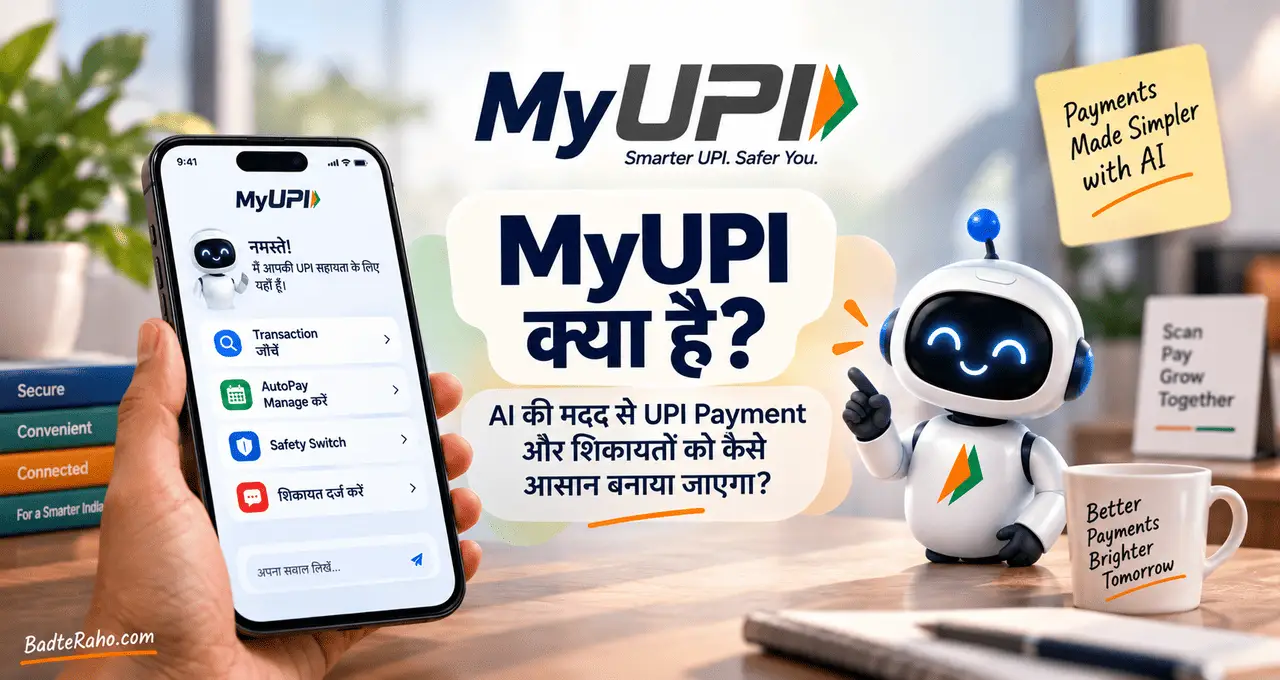






कुछ समय पहले तक AI से बात करने का सबसे common तरीका text लिखना था। आप सवाल टाइप करते थे और AI text में जवाब देता था।
अब situation बदल रही है।
आज कई AI systems सिर्फ़ लिखे हुए words ही नहीं, बल्कि photo, voice, documents और video जैसी अलग-अलग information को भी समझ सकते हैं। आप किसी photo को दिखाकर उसके बारे में सवाल पूछ सकते हैं, audio देकर summary बनवा सकते हैं या document और image को एक साथ देकर comparison करवा सकते हैं।
इसी capability को broadly Multimodal AI कहा जाता है।
आगे समझते हैं कि Multimodal AI actually क्या है, अलग-अलग inputs को कैसे handle करता है और daily life, study और work में इसका practical इस्तेमाल कहाँ हो सकता है।
इस लेख में आप क्या सीखेंगे?
- Multimodal AI का मतलब
- अलग modalities कैसे जुड़ती हैं
- text से आगे AI
- practical use cases
- limitations और risks
- future impact क्या होगा
Multimodal AI क्या है?
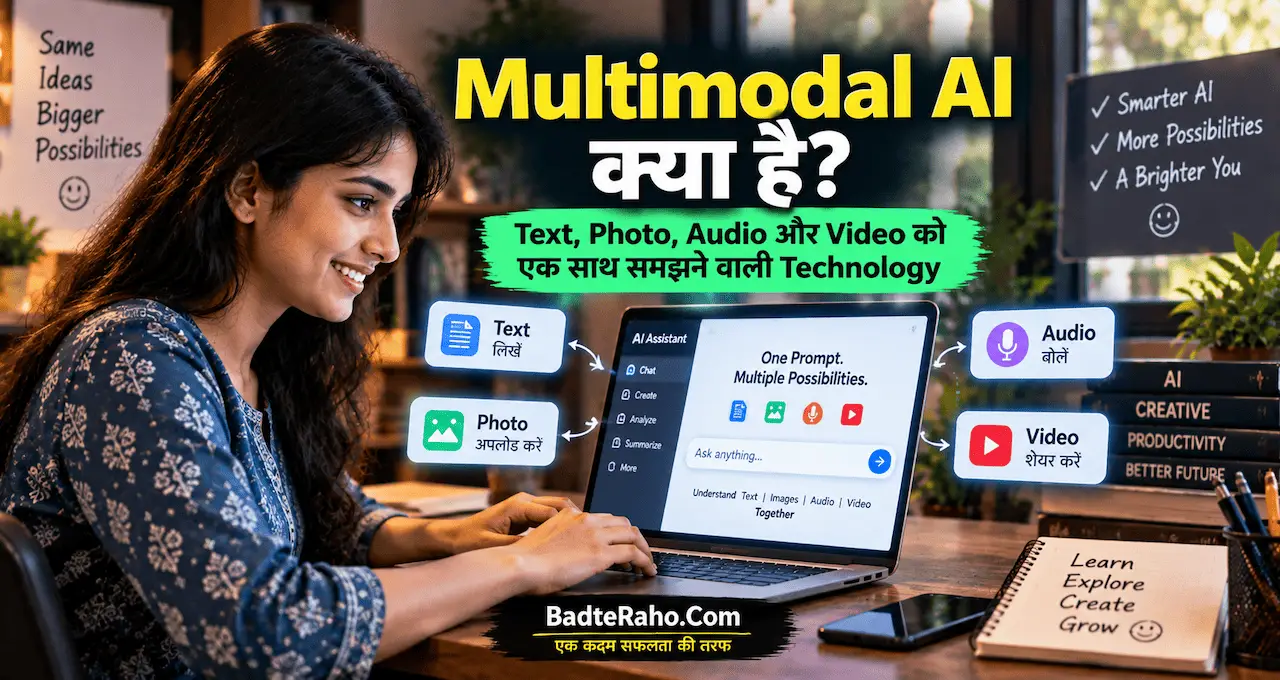
Multimodal AI ऐसा Artificial Intelligence system होता है जो एक से ज़्यादा प्रकार की information यानी modalities को समझ या process कर सकता है।
ये modalities हो सकती हैं:
- text
- image
- audio
- video
- documents
कुछ systems इनमें से अलग-अलग formats को input के रूप में लेते हैं और text, image या audio जैसे formats में output भी दे सकते हैं।
OpenAI की multimodal documentation भी multimodality को text, images, audio और video जैसे अलग input types को समझने और generate करने की capability के रूप में describe करती है। Google की current Gemini documentation में भी images, audio, video और documents को multimodal inputs के रूप में process करने की capability दी गई है।
अगर AI की basic working पहले समझना चाहते हैं, तो AI क्या है और कैसे काम करता है? Machine Learning से Generative AI तक आसान Guide से शुरुआत कर सकते हैं।
आसान Example
मान लीजिए आप AI को एक restaurant menu की photo दिखाते हैं और पूछते हैं:
“इस menu में vegetarian dishes कौन-सी हैं और ₹300 से कम वाले options अलग कर दो।”
यहाँ AI को सिर्फ़ आपका text question नहीं समझना है।
उसे:
photo देखनी है,
उसमें लिखा text पहचानना है,
food items समझने हैं,
price compare करनी है
और आपके सवाल के हिसाब से answer देना है।
यही multimodal interaction का एक simple example है।
Modalities का मतलब क्या है?
यहाँ “mode” या “modality” का मतलब information का एक format या तरीका समझ सकते हैं।
Text
आपका typed सवाल, article, email, prompt या document में लिखा content.
Image
Photo, screenshot, diagram, chart, handwritten page या किसी product की image.
Audio
Voice recording, conversation, speech, meeting audio या दूसरी sound information.
Video
Moving visuals, frames, actions और कई cases में associated audio.
जब AI इनमें से एक से ज़्यादा formats को एक ही task में use कर सकता है, तो interaction text-only AI से काफी अलग हो जाता है।
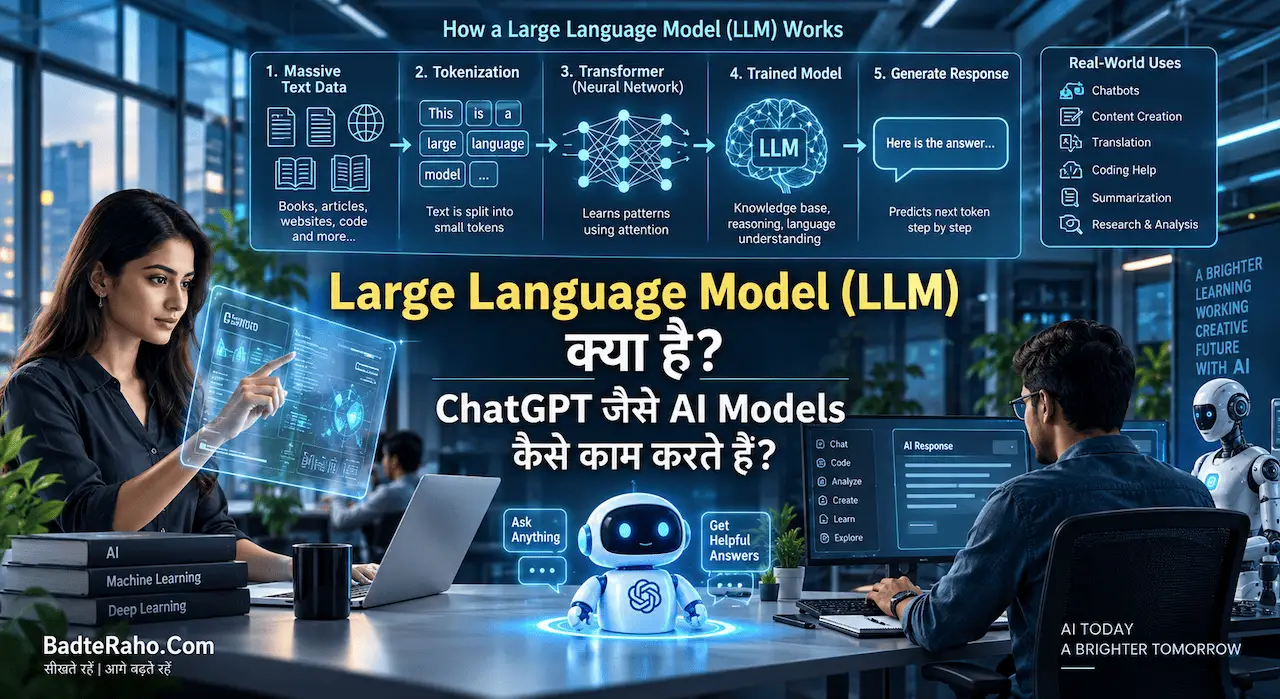
इसीलिए Multimodal AI को समझने से पहले Generative AI क्या है? ChatGPT और दूसरे AI Tools कैसे काम करते हैं? समझना भी useful हो सकता है।
Traditional Text AI और Multimodal AI में क्या फर्क है?
Text-based AI में communication mainly words पर depend करता है।
उदाहरण:
आपको किसी chart के बारे में सवाल पूछना है।
अगर AI सिर्फ़ text समझता है, तो आपको chart का data खुद लिखकर देना पड़ सकता है।
Multimodal AI में आप सीधे chart की image दे सकते हैं और पूछ सकते हैं:
“इस chart में सबसे बड़ा change कहाँ दिखाई दे रहा है?”
इसी तरह किसी machine की photo दिखाकर उसके parts identify करने को कहा जा सकता है या किसी handwritten note की image से important points निकालने को कहा जा सकता है।
यहाँ फायदा सिर्फ़ convenience नहीं है।
कई problems naturally visual या audio-based होती हैं। उन्हें पहले text में बदलना extra step बन जाता है।
Multimodal AI उसी gap को कम करता है।
Multimodal AI कैसे काम करता है?
Deep technical level पर अलग AI architectures का तरीका अलग हो सकता है, लेकिन beginner level पर इसे चार stages में समझ सकते हैं।
1. Input लेना
User text, image, audio, video या document देता है।
2. Information को Represent करना
AI system अलग formats की information को ऐसे internal representations में बदलता है जिन्हें model process कर सके।
उदाहरण के लिए, image में pixels होते हैं, जबकि text में words या tokens होते हैं.
दोनों का raw format अलग है।
3. Context जोड़ना
System अलग inputs के बीच relation समझने की कोशिश करता है।
उदाहरण:
Photo + Question
या:
Document + Screenshot + Instruction
4. Response बनाना
Model available context के आधार पर suitable output generate करता है।
यह text answer, description, summary या supported system के अनुसार दूसरा output हो सकता है।
यह process पूरी तरह error-free नहीं है। Model image या context को गलत interpret भी कर सकता है।
Prompt की clarity भी result पर असर डालती है। इसके लिए Prompt Engineering क्या है? AI से बेहतर जवाब पाने के लिए Prompt कैसे लिखें? useful रहेगा।
Multimodal AI कहाँ-कहाँ काम आ सकता है?
इस technology की practical value तब समझ आती है जब हम इसे daily tasks से जोड़ते हैं।
Students के लिए
मान लीजिए textbook में difficult diagram है।
Student उसकी photo देकर पूछ सकता है:
“इसे class 8 के student के level पर step-by-step समझाओ।”
या handwritten notes की photo देकर revision points बनवाए जा सकते हैं।
लेकिन formulas, dates और important academic facts को verify करना ज़रूरी है।
Office और Documents में
कई काम सिर्फ़ plain text से नहीं होते।
Report में tables, screenshots और charts भी हो सकते हैं।
Multimodal system ऐसे document को देखकर:
- key points identify कर सकता है
- chart explain कर सकता है
- sections compare कर सकता है
- questions के answers ढूँढने में मदद कर सकता है
अगर document-based AI workflows सीखना चाहते हैं तो ChatGPT में File Upload करके क्या-क्या कर सकते हैं? PDF और Documents से काम लेने का तरीका देख सकते हैं।
Shopping या Products समझने में
किसी product की photo दिखाकर उसके visible features के बारे में सवाल किया जा सकता है।
उदाहरण:
“इस chair में किस तरह का back support दिखाई दे रहा है?”
लेकिन सिर्फ़ image देखकर material quality, authenticity या hidden technical specification का final judgement नहीं किया जाना चाहिए।
Travel में
Signboard, menu या public information की photo देकर उसका meaning समझा जा सकता है।
कुछ multimodal systems audio और visual information के साथ conversational interaction भी support करते हैं।
Creators के लिए
Content creator अपनी image, thumbnail या design दिखाकर feedback मांग सकता है।
उदाहरण:
“इस thumbnail में headline readability improve करने के लिए क्या बदलूँ?”
AI visual context के आधार पर suggestions दे सकता है।
AI images की basic workflow समझने के लिए AI से Photo बनाना कैसे सीखें? Beginners के लिए आसान Guide भी useful है।
Photo और Screenshot समझने वाला AI क्या देख सकता है?
Multimodal AI का visual हिस्सा कई users के लिए सबसे noticeable feature है।
आप screenshot देकर पूछ सकते हैं:
- इस screen पर कौन-सी information दिखाई दे रही है?
- इस chart का trend क्या है?
- इस design में text कहाँ छोटा है?
- इस receipt में कौन-सी entries हैं?
- इस diagram को आसान भाषा में समझाओ
लेकिन “देखना” शब्द को human vision जैसा नहीं समझना चाहिए।
AI model image से patterns और information process करता है। उसके पास human experience या real-world awareness उसी तरह नहीं होती जैसे किसी व्यक्ति के पास होती है।
इसी वजह से image understanding में mistakes possible हैं।
छोटा text, unclear image, unusual objects या missing context गलत interpretation की संभावना बढ़ा सकते हैं।
Audio और Voice के साथ Multimodal AI कैसे Useful है?
Audio capability होने पर AI interaction typing से आगे जा सकता है।
Possible uses:
- voice conversation
- speech transcription
- meeting summary
- spoken language understanding
- pronunciation feedback
- audio content analysis
कुछ systems voice input को process करके conversational response भी दे सकते हैं। OpenAI ने multimodal systems में audio, vision और text को एक साथ process करने की दिशा में systems develop किए हैं, जबकि Google की current developer documentation भी audio को multimodal input के रूप में support करती है।
यह accessibility के लिए भी useful हो सकता है क्योंकि हर user लंबे prompts type करना prefer नहीं करता।
लेकिन private meetings, personal calls या sensitive recordings AI service में upload करने से पहले privacy और consent पर ध्यान देना चाहिए।
Video समझना Image से कैसे अलग है?
Image एक moment capture करती है।
Video में time भी जुड़ जाता है।
उदाहरण के लिए तीन अलग frames में व्यक्ति:
पहले door खोलता है,
फिर room में जाता है,
और बाद में light switch करता है।
Video understanding में केवल objects पहचानना काफी नहीं है। Sequence और actions के relation को भी समझना पड़ सकता है।
Practical uses हो सकते हैं:
- video summary
- important moments identify करना
- instructional video explain करना
- long footage से specific information ढूँढना
- content analysis
लेकिन video understanding भी perfect नहीं है।
Fast movement, low-quality footage, missing context और ambiguous actions model को confuse कर सकते हैं।
Multimodal AI और AI Image Generation एक ही चीज़ नहीं हैं
दोनों related हैं, लेकिन same नहीं हैं।
AI image generation में मुख्य goal नया visual बनाना हो सकता है।
Multimodal understanding में AI किसी existing image, text, audio या दूसरे input को समझकर उसके आधार पर answer देता है।
कुछ modern AI systems दोनों काम कर सकते हैं।
उदाहरण:
आप image upload करके कहें:
“इस room की photo देखकर बताओ कि इसमें कौन-सी चीजें हैं।”
यह understanding task है।
अगर कहें:
“इसी type का modern living room visual बनाओ।”
यह generation task है।
दोनों capabilities एक ही product में available हो सकती हैं, लेकिन conceptually दोनों tasks अलग हैं।
Multimodal AI की Limitations क्या हैं?
Technology impressive है, लेकिन इसे unlimited intelligence समझना गलत होगा।
गलत Visual Interpretation
AI image में object, text या context गलत पहचान सकता है।
Hallucination
Model ऐसी detail confidently बता सकता है जो input में मौजूद ही नहीं थी।
Poor Quality Input
Blurred image, noisy audio या unclear video से result खराब हो सकता है।
Privacy Risk
Photos, identity documents, personal recordings और confidential business files sensitive data हो सकते हैं।
Manipulated Media
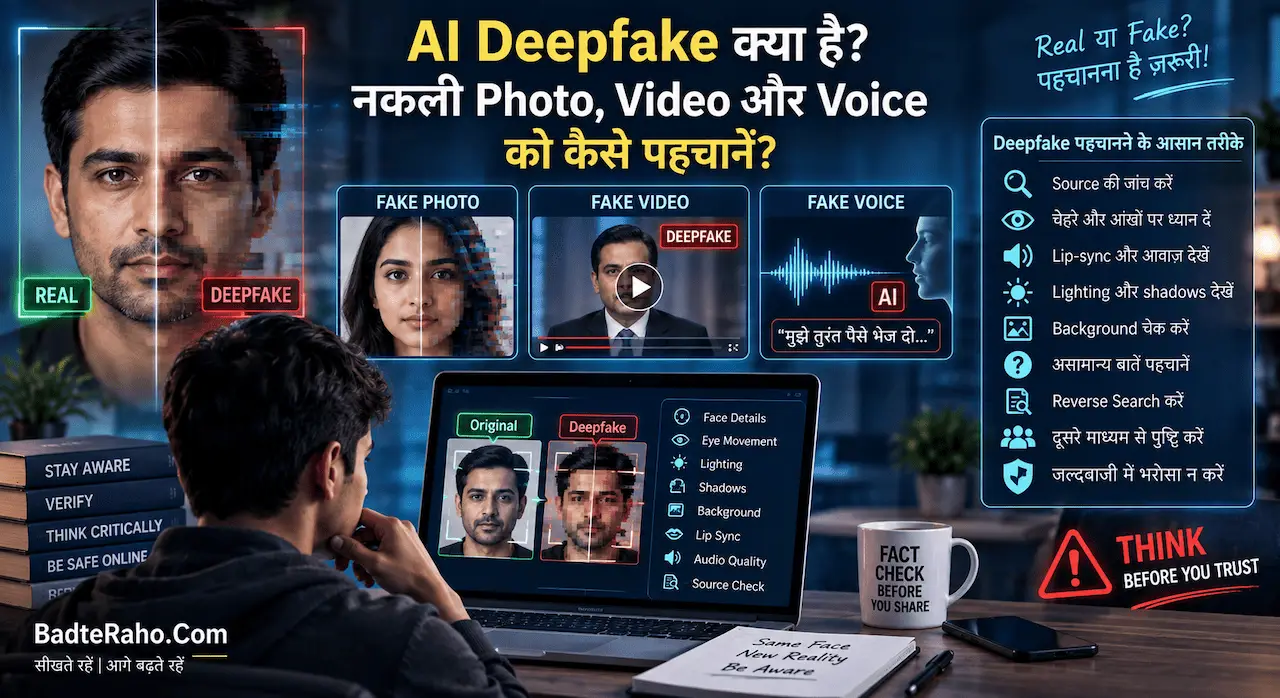
आज AI-generated और edited media की quality भी improve हुई है। इसलिए किसी photo, video या voice को सिर्फ़ देखने-सुनने के आधार पर authentic मानना safe नहीं है।
इसी risk को detail में समझने के लिए AI Deepfake क्या है? नकली Photo, Video और Voice को कैसे पहचानें? पढ़ सकते हैं।
Multimodal AI इस्तेमाल करते समय किन बातों का ध्यान रखें?
सबसे useful rule है:
AI को assistant मानें, final authority नहीं।
Important information verify करें।
Medical report, legal document, financial statement या identity-related information पर सिर्फ़ AI interpretation के आधार पर decision न लें।
Sensitive files upload करने से पहले देखें कि उनमें:
- Aadhaar details
- bank information
- passwords
- customer records
- confidential company data
- private photos
तो नहीं हैं।
जहाँ possible हो, unnecessary personal information remove करें।
अगर image में text important है, तो AI से यह भी पूछ सकते हैं:
“जो information clearly दिखाई नहीं दे रही, उसे guess मत करना।”
यह hallucination को पूरी तरह खत्म नहीं करता, लेकिन instruction को clear बनाता है।
Multimodal AI का Future क्यों Important है?
Computers के साथ हमारी real-world interaction केवल keyboard के through नहीं होती।
हम बोलते हैं, देखते हैं, photos लेते हैं, documents पढ़ते हैं और videos देखते हैं।
इसलिए AI के multiple formats को साथ समझना natural progression है।
Future applications education, accessibility, customer service, creative work, robotics, search और productivity जैसे areas में और practical हो सकते हैं।
लेकिन जैसे-जैसे AI अधिक प्रकार का data समझेगा, privacy, consent, misinformation और verification की importance भी बढ़ेगी।
Multimodal capability का असली फायदा तब है जब technology अलग-अलग information को जोड़कर user का काम आसान करे—न कि सिर्फ़ इसलिए कि system अधिक features offer करता है।
आख़िर में एक छोटी सी बात
Multimodal AI को आसान भाषा में ऐसे समझ सकते हैं: AI जो सिर्फ़ आपके words नहीं, बल्कि अलग-अलग forms में दी गई information को भी context के साथ समझने की कोशिश करता है।
आप text के साथ image दिखा सकते हैं, document पर सवाल पूछ सकते हैं, audio के साथ काम कर सकते हैं या supported systems में video information analyze कर सकते हैं।
यह बदलाव AI interaction को keyboard और text box से काफी आगे ले जा रहा है।
लेकिन multimodal होना error-free होना नहीं है। AI photo गलत समझ सकता है, audio में words miss कर सकता है और video के context को गलत interpret कर सकता है।
इसलिए जितनी capability बढ़ती है, उतनी ही verification और responsible use की ज़रूरत भी बढ़ती है।
क्या आपने कभी AI को photo, screenshot, audio या document देकर कोई काम करवाया है? आपका सबसे useful experience क्या रहा, या Multimodal AI को लेकर कोई सवाल है? Comments में जरूर share करें।