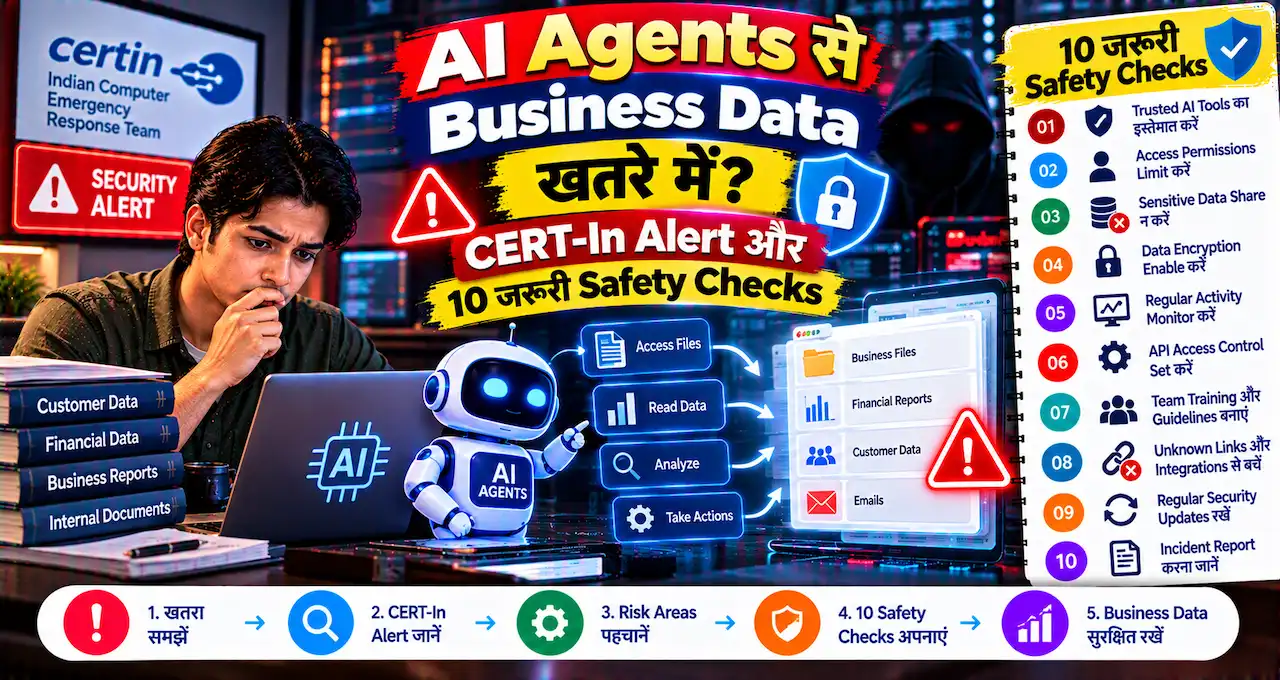





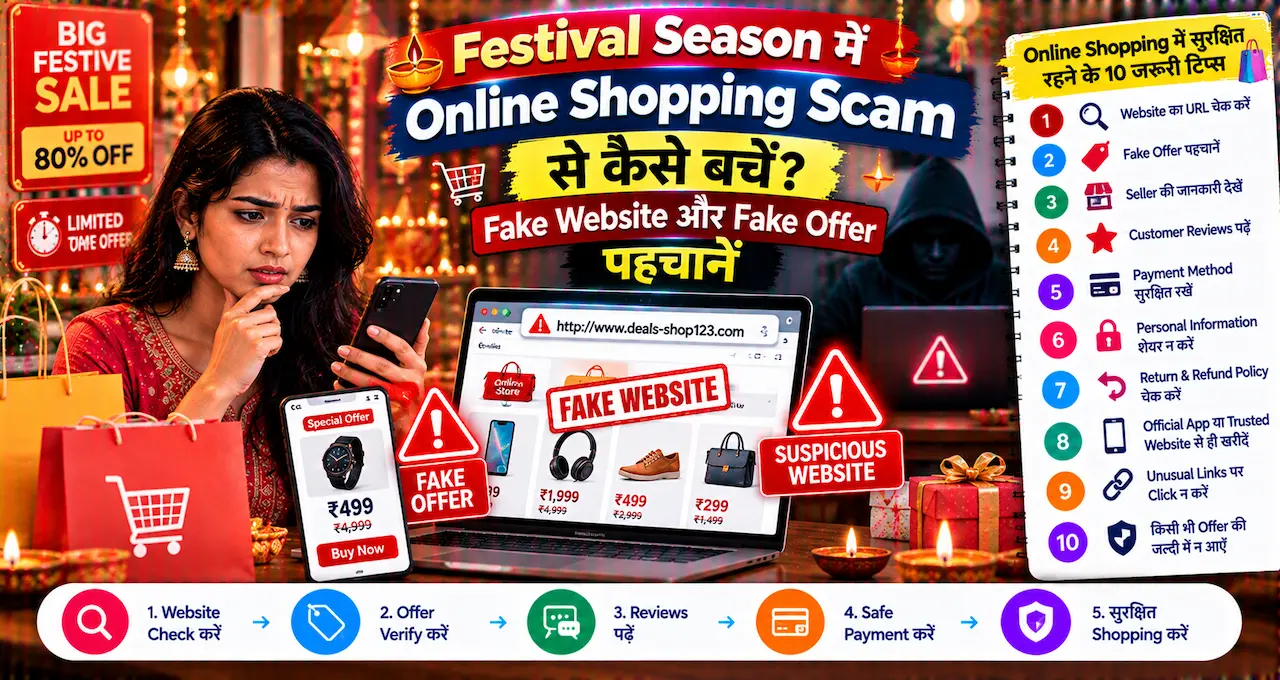








पहले bank का काम करने के लिए branch जाना normal था।
आज balance check करना, money transfer, bill payment और कई दूसरे banking tasks phone या laptop से हो जाते हैं।
Convenience बढ़ी है, लेकिन साथ ही एक नई responsibility भी आई है—banking access को सुरक्षित रखना।
Fraudster हमेशा bank system hack करने की कोशिश नहीं करता। कई बार वह fake message, phishing link, customer-care call या screen-sharing app के जरिए user से ही sensitive information निकलवाता है।
इसलिए Online Banking safe रखने का सबसे अच्छा तरीका technology के साथ सही habits भी सीखना है।
इस लेख में आप क्या सीखेंगे?
- Strong Password कैसे बनाएं
- OTP और PIN Safety
- Phishing Links की पहचान
- Fake Customer Care से बचाव
- Public Wi-Fi का Risk
- Screen Sharing का खतरा
- Banking Alerts क्यों जरूरी
- Fraud होने पर Action
Online Banking का Risk कहाँ से आता है?
Online Banking use करते समय सबसे बड़ा risk सिर्फ़ “hacker” नहीं होता।
कई fraud social engineering के जरिए होते हैं।
यानी fraudster आपको ऐसा विश्वास दिलाता है कि सामने वाला bank employee, support executive, merchant या trusted company से है।
फिर वह आपसे कोई action करवाता है।
जैसे:
OTP बताना।
Fake link खोलना।
Banking password enter करना।
Remote-access app install करना।
Collect request approve करना।
या किसी personal account में “verification fee” भेजना।
इसलिए online banking safety का पहला rule है:
हर urgent message या call को genuine मानकर तुरंत action मत लें।
पहले independently verify करें।
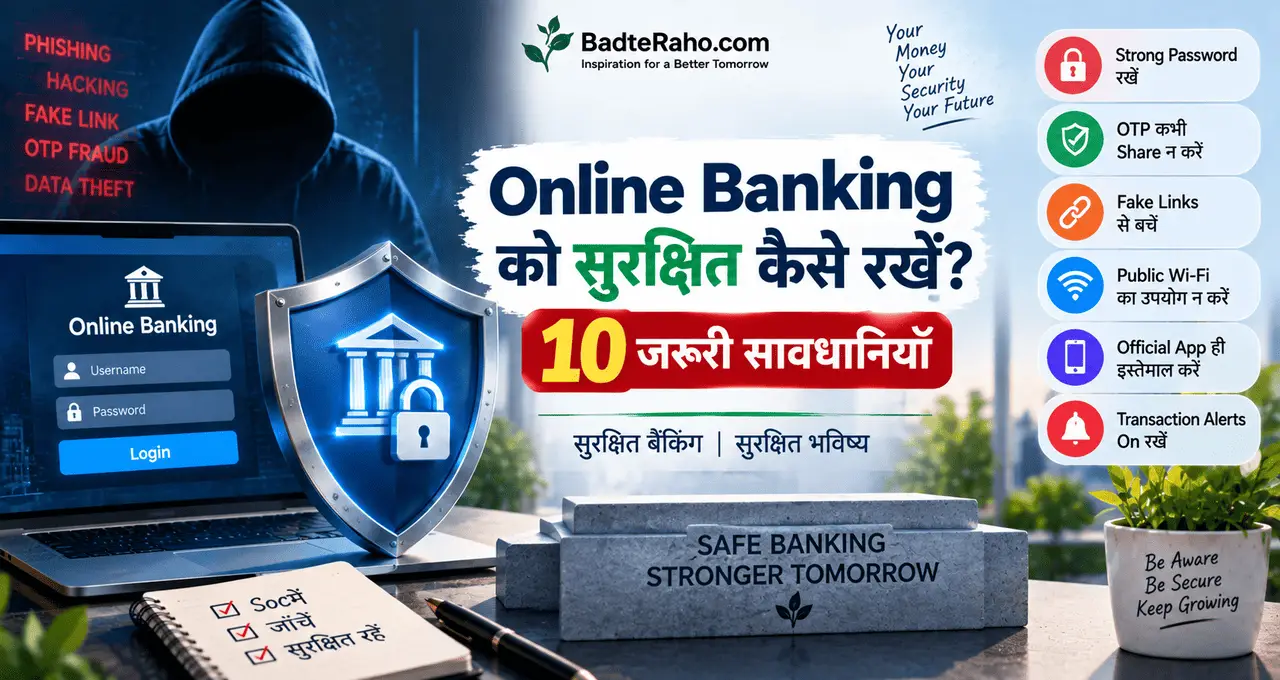
1. Strong और अलग Password रखें
बहुत लोग convenience के लिए एक ही password कई accounts में use करते हैं।
Email.
Shopping app.
Social media.
Banking.
अगर किसी कम-important service का password leak हो गया और वही password banking में भी use हो रहा है, तो risk बढ़ सकता है।
इसलिए banking password अलग रखें।
Strong password में सिर्फ़ नाम और जन्मतिथि जैसी predictable information का use न करें।
Examples जैसे:
1 | Imran123 |
1 | Password@123 |
1 | India2026 |
आसानी से guess किए जा सकते हैं।
Better password लंबा, unique और difficult-to-guess होना चाहिए।
लेकिन password ऐसा भी हो जिसे आप safely manage कर सकें।
एक और जरूरी habit:
Password किसी को WhatsApp या notes में खुले text में save न करें, especially अगर phone दूसरे लोग भी use करते हैं।
2. OTP, PIN और Password कभी Share न करें
यह banking safety का सबसे basic rule है, लेकिन fraud में यही information सबसे ज्यादा target होती है।
Banking password.
ATM PIN.
UPI PIN.
OTP.
CVV.
इनमें से कोई भी sensitive credential phone call पर किसी व्यक्ति को बताने की जरूरत नहीं होनी चाहिए।
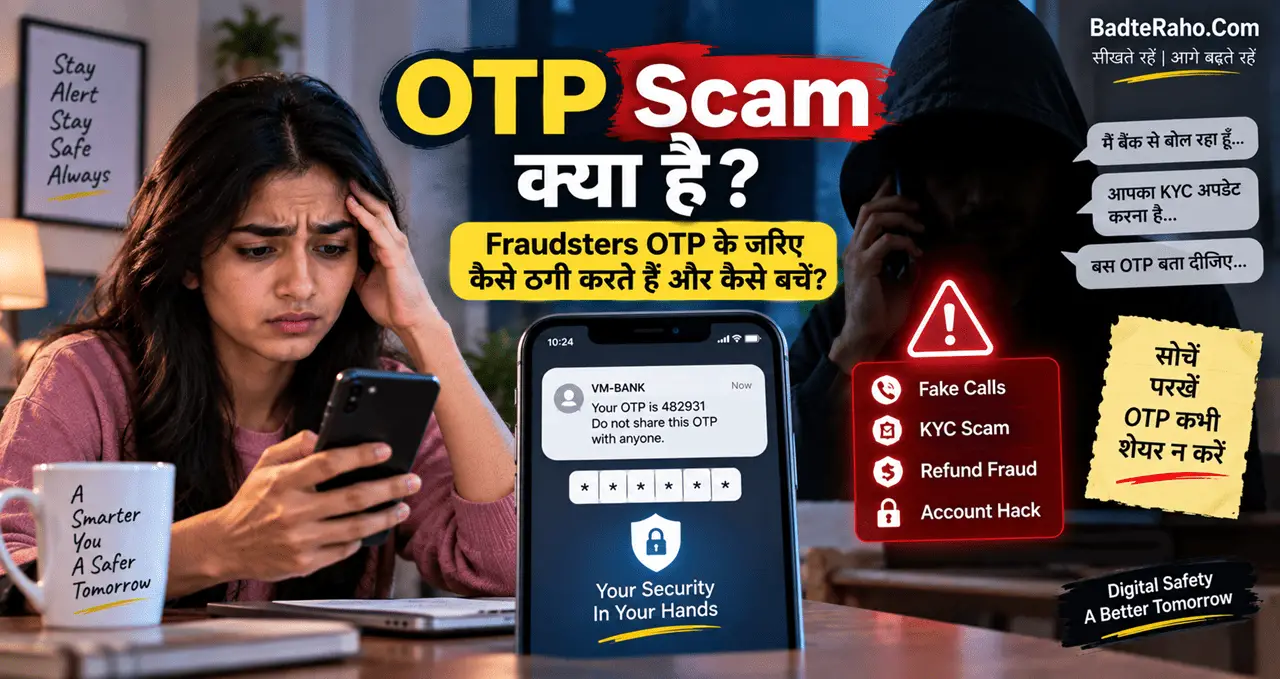
Fraudster कह सकता है:
“मैं bank से बोल रहा हूँ।”
“KYC update करनी है।”
“Card block होने वाला है।”
“Refund process करना है।”
फिर OTP पूछेगा।
यहाँ एक simple habit काम आती है:
जिस information से transaction या login approve होता है, वह किसी दूसरे व्यक्ति को नहीं बतानी है।
अगर call genuine भी लगता है, phone काटकर bank के official channel से खुद contact करें।
3. Phishing Link पर Banking Details Enter न करें
Phishing में fake website को genuine banking page जैसा दिखाया जाता है।
Message आ सकता है:
“Your account will be blocked.”
“KYC update now.”
“Reward points expire today.”
“Refund pending.”
Link खोलने पर page bank की website जैसा लग सकता है।
Logo सही.
Colours same.
Login form familiar.
लेकिन URL fake हो सकता है।
अगर आपने username, password, card details या OTP enter किया, तो information fraudster तक जा सकती है।
Safe Habit
Banking website random SMS, WhatsApp या email link से खोलने के बजाय:
official app use करें
या browser में bank address खुद type/bookmark करें
Urgency देखकर login न करें।
Fake banking link का सबसे बड़ा weapon user की जल्दी होती है।
4. Fake Customer Care Number से सावधान रहें
Payment failed हुई।
Card issue आया।
User Google पर search करता है:
“XYZ Bank customer care number.”
Search result, social media post या random website पर fake number मिल सकता है।
Call करने पर fraudster professional तरीके से बात कर सकता है।
वह account details पूछ सकता है या remote-support app install करवाने की कोशिश कर सकता है।
Customer Care कहाँ से लें?
Bank की official website.
Official banking app.
Card के पीछे printed number.
Official statement या verified communication.
Random social-media comment या forwarded message से customer-care number लेने से बचें।
UPI और banking fraud में fake support एक common pattern है। UPI Scam से कैसे बचें? ठगी के 8 आम तरीके और जरूरी Safety Tips में भी fake customer-care scam को detail में समझाया गया है।
5. Public Wi-Fi पर Sensitive Banking Avoid करें
Cafe, airport, railway station या hotel का free Wi-Fi convenient होता है।
लेकिन unknown network पर sensitive banking करना avoid करना बेहतर हो सकता है।
Problem यह है कि user हमेशा नहीं जानता कि network कितना secure है या fake hotspot तो नहीं।
Example:
आपको दो networks दिखते हैं:
Airport_Free_WiFi
Airport_Free_WiFi_5G
कौन genuine है?
Clear नहीं।
Bank balance check करना urgent नहीं है तो trusted mobile data या known secure network का wait करना बेहतर है।
अगर public Wi-Fi use करना ही पड़े, तो unnecessary banking login, large transactions और sensitive account changes avoid करें।
Convenience के लिए security compromise करना जरूरी नहीं।
6. Screen Sharing या Remote Access App Install न करें
Fraudster अक्सर कहता है:
“आपकी banking problem solve करने के लिए support app install करें।”
फिर remote-access app या screen-sharing tool install करवाता है।
अब वह आपकी screen देख सकता है या कुछ situations में device interaction तक access पाने की कोशिश कर सकता है।
अगर उसी दौरान आप:
banking app खोलते हैं,
OTP receive करते हैं,
card details देखते हैं,
तो sensitive information expose हो सकती है।
क्या करें?
Unknown caller के कहने पर कोई remote-access app install न करें।
अगर genuine bank support है, तो भी official process verify करें।
Banking issue solve करने के लिए stranger को phone control देना normal requirement नहीं मानें।
अगर आपने ऐसा app गलती से install कर लिया है, तो access बंद करें और account security review करें।
7. Banking Alerts हमेशा On रखें
SMS, email और app notifications annoying लग सकती हैं, लेकिन banking में alerts बहुत useful हैं।
अगर कोई unexpected transaction होता है, तो जल्दी पता चल सकता है।
Useful alerts में शामिल हो सकते हैं:
Debit transaction.
Credit transaction.
Card payment.
ATM withdrawal.
Login activity.
Password change.
Beneficiary addition.
Exact alert options bank के अनुसार अलग हो सकते हैं।
लेकिन basic principle simple है:
जितनी जल्दी suspicious activity पता चलेगी, उतनी जल्दी action लिया जा सकता है।
Unknown transaction देखकर “बाद में देखेंगे” वाला approach risky हो सकता है।
8. App और Phone Updated रखें
Banking safety सिर्फ़ password तक limited नहीं है।
Phone operating system और banking apps को updated रखना भी useful है।
Updates में security fixes आ सकती हैं।
पुराना app version bugs या vulnerabilities के risk को बढ़ा सकता है।
App सिर्फ़ trusted app store से install करें।
Unknown website से banking APK download न करें।
Fake app genuine bank app जैसा दिख सकता है।
App install करते समय developer/publisher details और permissions पर भी ध्यान दें।
अगर simple banking app unnecessary contacts, microphone या other unusual permissions मांग रही है, तो blindly allow न करें।
9. Saved Card और Auto-Login को समझकर Use करें
Convenience features useful हैं।
Browser password save करता है।
Shopping app card save करती है।
Phone banking app biometric login allow करती है।
लेकिन इन features का use device security के साथ connected है।
अगर phone unlocked है और कोई दूसरा व्यक्ति आसानी से use कर सकता है, तो risk बढ़ सकता है।
इसलिए:
Strong phone lock रखें.
Biometric जहाँ useful हो enable करें.
Shared device पर banking credentials save न करें.
Public/computer cafe system पर login save न करें.
Session खत्म होने पर logout करें, especially shared device पर.
Convenience और safety के बीच balance जरूरी है।
10. Transaction से पहले Details दोबारा Check करें
Online Banking में गलत payment भी fraud जितनी painful हो सकती है।
Bank transfer करते समय verify करें:
Receiver name.
Account number.
IFSC जहाँ applicable हो.
Amount.
Purpose.
अगर नया beneficiary है और बड़ा amount भेजना है, तो जहाँ practical हो small test transfer useful हो सकता है।
UPI में भी receiver name और amount check करना बहुत जरूरी है।
इसी topic पर UPI से पैसे भेजते समय इन 7 गलतियों से बचें: गलत Payment और Fraud से बचाव में specific mistakes detail से cover की गई हैं।
Speed से ज्यादा important accuracy है।
Fake KYC Message कैसे पहचानें?
KYC fraud में scammer urgency create करता है।
Message:
“Your KYC expired.”
“Account will be suspended.”
“Update PAN immediately.”
“Click link to continue banking.”
यह genuine भी हो सकता है, लेकिन random link देखकर भरोसा नहीं करना चाहिए।
Safe approach:
Message का link use न करें।
Banking app खुद खोलें।
Official website check करें।
जरूरत हो तो branch या official customer care से contact करें।
अगर KYC update सच में जरूरी है, bank के verified channel से भी पता चल जाएगा।
Scammer का goal होता है कि आप सोचने से पहले click करें।
Bank Employee बनकर Call आए तो क्या करें?
Caller आपका नाम जानता है।
Card के last digits भी बता देता है।
Bank का नाम सही है।
इससे call automatically genuine नहीं हो जाती।
कुछ personal information पहले से data leaks, public sources या old records से मिल सकती है।
अगर caller sensitive information मांग रहा है:
OTP.
PIN.
Password.
Full card details.
Remote access.
तो call रोकें।
फिर official bank number पर खुद contact करें।
Important point:
Caller ID या व्यक्ति की confidence पर नहीं, requested action पर भरोसा करें।
अगर action unsafe है, call genuine मानने का reason नहीं।
SIM Swap और Mobile Number क्यों Important है?
Banking accounts अक्सर registered mobile number से जुड़े होते हैं।
अगर अचानक phone network बिना reason के बंद हो जाए और SIM काम न करे, तो इसे casually ignore न करें।
हर network issue SIM swap fraud नहीं होता, लेकिन अगर साथ में suspicious banking activity भी दिखाई दे रही हो तो जल्दी action लेना जरूरी है।
Mobile number change, SIM replacement या device loss जैसी situations में banking access review करें।
Phone खो जाए तो सिर्फ़ device की चिंता न करें।
Banking apps और SIM access भी secure करें।
Debit Card और Credit Card Safety भी Online Banking का हिस्सा है
Online banking use करते समय card details भी protect करनी होती हैं।
Debit Card bank funds से जुड़ा हो सकता है।
Credit Card credit line से जुड़ा हो सकता है ।
Card number, expiry, CVV और OTP sensitive details हैं।
Unknown website पर card information enter न करें।
Merchant genuine है या नहीं check करें।
International या online usage की जरूरत नहीं हो तो bank controls के जरिए card settings manage करना useful हो सकता है, अगर आपका bank यह option देता है।
Credit Card की working और risks समझने के लिए Credit Card क्या है? कैसे काम करता है और गलतियों से बचें useful रहेगा।
Online Banking और UPI में Safety का फर्क क्या है?
दोनों digital payment ecosystems का हिस्सा हैं, लेकिन common risks थोड़े अलग दिख सकते हैं।
Online Banking में phishing login, fake support, password theft और beneficiary fraud important concerns हो सकते हैं।
UPI में fake collect request, QR scams और PIN manipulation ज्यादा common दिख सकते हैं।
लेकिन core safety principles काफी similar हैं:
Credential share नहीं करना.
Unknown link avoid करना.
Receiver verify करना.
Official support use करना.
Urgency में action न लेना.
अगर Digital Payment की basic categories clear नहीं हैं, तो Digital Payment क्या है? UPI, Wallet और Card में क्या अंतर है? useful foundation है।
Banking App में Biometric Login Safe है?
Biometric login convenience और security दोनों improve कर सकता है, लेकिन यह complete security solution नहीं है।
Phone lock strong होना चाहिए।
Device किसी दूसरे व्यक्ति के लिए freely accessible नहीं होना चाहिए।
Banking app और operating system updated हों।
अगर आपका fingerprint या face unlock unreliable तरीके से configured है, तो risk बढ़ सकता है।
Biometric feature को password hygiene का replacement न समझें।
यह additional layer हो सकता है।
Password Manager का Use करना चाहिए?
कई users unique passwords याद नहीं रख पाते और इसलिए हर जगह same password use करते हैं।
Reputable password manager कुछ users के लिए better option हो सकता है क्योंकि अलग-अलग strong passwords manage करना आसान होता है।
लेकिन password manager itself भी carefully secure होना चाहिए।
Strong master password रखें।
जहाँ available हो multi-factor authentication consider करें।
और random unknown password apps install न करें।
अगर password manager use नहीं करना चाहते, तब भी banking password को दूसरे accounts से अलग रखें।
Suspicious Transaction दिखे तो क्या करें?
अगर account में ऐसा debit दिखे जो आपने नहीं किया, तो delay न करें।
सबसे पहले transaction details save करें।
Official bank support से contact करें।
जहाँ relevant हो, card, UPI या online banking access temporarily block/secure करने के available options use करें।
Password compromise का doubt हो तो credentials बदलें।
अगर financial cyber fraud का मामला है, तो official cybercrime reporting channels का use करें।
India में financial cyber fraud reporting के लिए 1930 helpline भी available है।
Evidence जैसे:
Transaction ID.
SMS.
Screenshots.
Caller number.
Messages.
Delete न करें।
ये complaint में useful हो सकते हैं।
Fraud हो जाए तो Scammer से पैसे वापस लेने की Deal न करें
यह common second-stage scam हो सकता है।
पहला fraud हो गया।
कुछ देर बाद वही या दूसरा व्यक्ति call करता है:
“हम पैसे वापस दिला देंगे।”
“₹2,000 processing fee भेजिए।”
“Refund unlock करने के लिए QR scan करें।”
Victim already stressed होता है और recovery की hope में दूसरी payment कर देता है।
Fraud recovery के लिए random person को और पैसे भेजना dangerous है।
Bank, payment provider और official cybercrime channels पर depend करें।
Scammer के instructions पर नहीं।
Family के बुजुर्गों को ये 7 बातें जरूर समझाएं
Digital banking में experienced user के लिए जो obvious है, नया user उसके लिए confusing हो सकता है।
Family में parents या grandparents को simple rules बताएं:
- OTP किसी को नहीं बताना
- PIN share नहीं करना
- Unknown link नहीं खोलना
- Fake customer-care से बचना
- Remote-access app install नहीं करना
- Suspicious transaction तुरंत बताना
- Doubt हो तो payment रोक देना
बहुत सारी safety information एक साथ देने से confusion बढ़ सकता है।
इन basic habits से शुरुआत करें।
Online Banking Safety Checklist
Banking use से पहले एक quick checklist useful है।
Login
Official app या website?
Network
Trusted connection?
Password
Unique और private?
Transaction
Receiver और amount verified?
OTP
किसी से share नहीं?
Call
Official source से verify किया?
Device
Updated और locked?
Alert
Unexpected transaction तो नहीं?
यह checklist complicated नहीं है, लेकिन regular habit बन जाए तो काफी useful है।
आज से क्या करें?
आज पाँच minutes निकालकर अपनी banking security का quick review करें।
Check करें:
Banking password दूसरे account में reuse तो नहीं हो रहा?
Phone lock strong है?
Bank transaction alerts आ रहे हैं?
Official bank customer care number कहाँ मिलेगा, पता है?
कोई unnecessary remote-access app installed तो नहीं?
Debit या Credit Card पर ऐसी सुविधा enabled तो नहीं है जिसका use आप करते ही नहीं?
इनमें से सिर्फ़ एक weak point भी मिल जाए, आज उसे fix कर दें।
Online banking security एक बार का setup नहीं है।
Regular habit है।
आख़िर में एक छोटी सी बात
Online Banking unsafe इसलिए नहीं है क्योंकि वह online है।
Risk तब बढ़ता है जब convenience के साथ सावधानी कम हो जाती है।
हम message देखकर link खोल देते हैं।
Caller को bank employee मान लेते हैं।
OTP share कर देते हैं।
Public Wi-Fi पर login कर लेते हैं।
या fraud के pressure में जल्दी decision ले लेते हैं।
अच्छी banking safety का मतलब हर transaction से डरना नहीं है।
मतलब इतना है कि password, PIN, OTP और approval का control आपके हाथ में रहे।
Technology fast हो सकती है।
लेकिन banking decision में कुछ seconds की checking हमेशा valuable है।
Online Banking use करते समय आपको सबसे ज्यादा किस चीज़ का डर या confusion रहता है—phishing links, fake calls, password safety, card fraud या suspicious transactions? अपनी राय, experience, feedback या सवाल comment में जरूर share करें।