











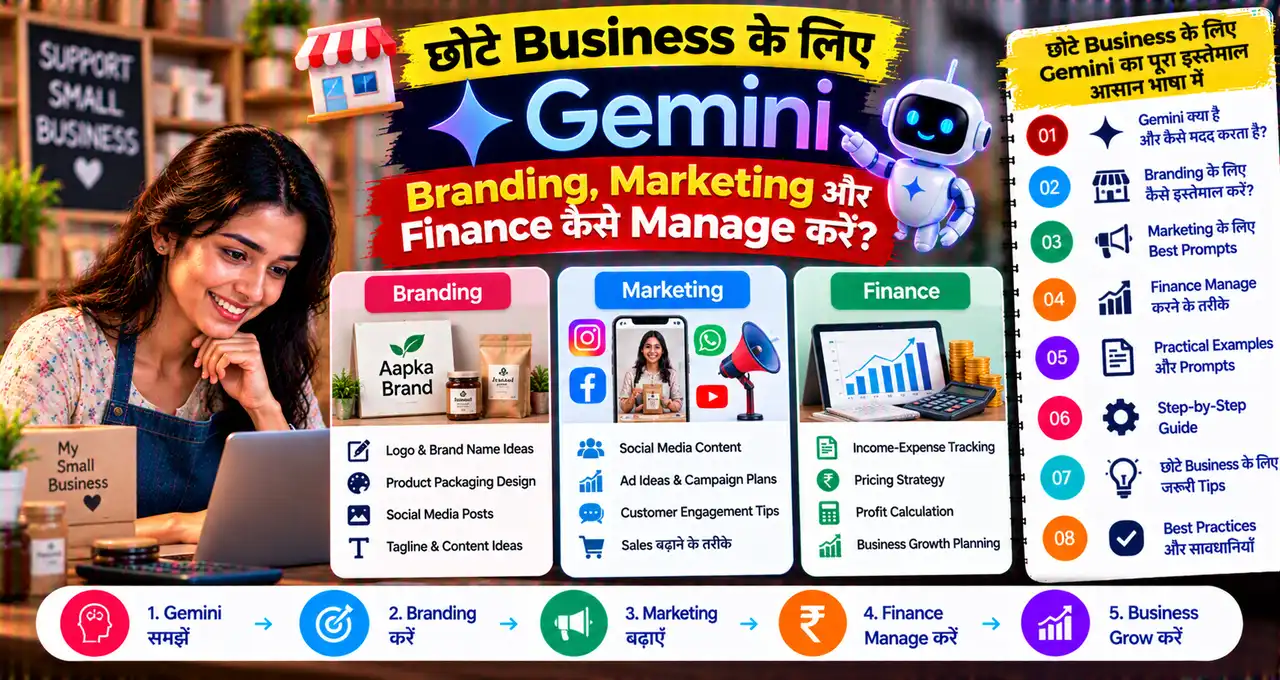






छोटा business चलाने वाले owner को एक ही दिन में कई roles निभाने पड़ते हैं—customer messages देखना, marketing content बनाना, sales numbers समझना, invoices check करना और brand की consistency बनाए रखना। Google ने इसी problem को target करते हुए Gemini में small-business owners के लिए नए tools और एक dedicated business landing page announce किया है।
इस नए setup का idea यह है कि business owner को हर काम के लिए अलग-अलग app या prompt context बार-बार explain न करना पड़े। Gemini Google Business Profile, Google Ads और Google Workspace जैसे Google tools के साथ-साथ Adobe, Canva, Dropbox, Shopify, Wix, Zoho और Xero जैसे connected apps के साथ काम कर सकता है।
सबसे useful additions में brand style memory, Nano Banana 2.1 के साथ on-brand visuals और spreadsheets, receipts व purchase records से financial insights शामिल हैं। लेकिन यह accountant, designer या business strategist का automatic replacement नहीं है; AI के output को final decision से पहले verify करना जरूरी रहेगा।
इस guide में हम practical तरीके से समझेंगे कि small business owner Gemini के नए tools को branding, marketing, customer insights और finance workflow में कहाँ use कर सकता है, और कहाँ human review जरूरी है।
इस लेख में आप क्या सीखेंगे?
- Gemini का नया Small Business hub क्या है
- Brand kit और visual style कैसे maintain हो सकती है
- Marketing content को repeatable workflow में कैसे बदलें
- Receipts और spreadsheets से financial insights कैसे मिल सकते हैं
- Connected apps का practical business use क्या है
- AI output पर blind trust करने के बजाय कौन-से checks करें
Gemini का नया Small Business Hub क्या है?
Google ने Gemini app में business owners के लिए एक dedicated landing page announce की है, जिसका purpose daily business tasks को एक central place से manage करना है। यहां branding, finance analysis, customer insights और connected apps जैसे workflows को organize किया जा सकता है।
यह कोई separate accounting software या full CRM replacement नहीं है। इसे एक AI workspace की तरह समझें जो आपके connected tools और business context के साथ काम कर सकता है। Exact features account, region और rollout stage के हिसाब से अलग समय पर दिखाई दे सकते हैं।
Google के मुताबिक business landing page, marketing और finance skills तथा नए connected apps का rollout global Gemini app users के लिए आने वाले दिनों में शुरू हो रहा है। इसलिए option तुरंत न दिखे तो इसका मतलब यह नहीं कि account incompatible है।
छोटे Business के लिए सबसे बड़ा फायदा क्या है?
Small business owner के लिए problem सिर्फ “content लिखना” नहीं है। असली friction context switching है—एक app में customer data, दूसरी में design, तीसरी में spreadsheet और चौथी में ads। Gemini का नया business-focused setup इन tools के बीच context को एक जगह bring करने की कोशिश करता है।
Example के लिए boutique owner को नए festive collection के लिए campaign बनाना है। वह brand colors और fonts upload कर सकता है, product details दे सकता है, Gemini से social creatives का direction बनवा सकता है और फिर connected design/marketing tools के साथ आगे काम कर सकता है।
अगर आप AI basics को business workflow में use करना शुरू कर रहे हैं, तो Prompt Engineering की practical guide useful रहेगी क्योंकि clear context देने से output बेहतर होता है।
Branding के लिए Gemini क्या नया कर सकता है?
Google के नए business tools में owner अपनी website, brand kit, fonts और color palette देकर Gemini को brand style समझा सकता है। इसका purpose यह है कि हर बार “हमारा color blue है, font ऐसा है, tone friendly है” जैसी instructions repeat न करनी पड़ें।
जब यह brand style Nano Banana 2.1 image-generation model के साथ use होती है, तो product launch या ongoing marketing campaign के लिए consistent visuals बनाने में मदद मिल सकती है।
Practical use cases:
- Instagram post visual direction
- Festival campaign creatives
- Product launch concept
- Offer banner variations
- Newsletter header
- Ad creative drafts
लेकिन generated visual actual product को गलत represent न करे। अगर business real product बेचता है, तो catalog/listing में वास्तविक product photo को प्राथमिकता देना ज्यादा transparent है।
Brand Style Upload करने से क्या बदलता है?
Normal AI image workflow में user हर prompt में brand colors, font style, tone और visual identity लिख सकता है। New business workflow का फायदा यह है कि Gemini इस style context को retain करने की कोशिश करता है।
इससे campaign consistency improve हो सकती है। Example: cafe का visual identity earthy brown, cream और minimal typography है, तो हर social creative में random neon colors आने की संभावना कम की जा सकती है।
फिर भी final design review जरूरी है। AI logo placement, text spelling या brand rule को गलत interpret कर सकता है।
Marketing Content के लिए Gemini कैसे Use करें?
Small business में marketing अक्सर owner खुद संभालता है। Gemini content calendar, captions, offer copy, newsletter draft और product descriptions बनाने में मदद कर सकता है।
Useful workflow:
- Business type और target customer define करें।
- Brand tone और approved claims set करें।
- Monthly campaign goal दें।
- Gemini से content themes बनवाएं।
- Top ideas को calendar में convert करें।
- Final post publish करने से पहले price, offer और dates verify करें।
अगर business Google ecosystem use करता है, तो Google Business Profile और Ads जैसी connected services के साथ context combine करना workflow को ज्यादा practical बना सकता है।
Ready Prompt: 7-Day Marketing Plan
मेरे small business के लिए 7-day marketing plan बनाओ। Business: [TYPE], target customer: [AUDIENCE], current offer: [OFFER], brand tone: [TONE]. Plan में Instagram, WhatsApp और Google Business Profile के लिए practical ideas हों। कोई price, discount, customer result या product feature invent मत करो।
यह prompt generic draft देगा; final plan local demand और actual inventory के हिसाब से adjust करें।
Customer Insights में Gemini कहाँ मदद कर सकता है?
Google ने small-business page में customer insights को भी core use case बताया है। इसका practical meaning यह हो सकता है कि reviews, feedback, survey responses या business data से recurring themes identify किए जाएं।
Example: 100 customer reviews में बार-बार “delivery late”, “packaging good” और “size confusion” जैसी themes आ रही हों, तो Gemini summary बनाकर priority issues दिखा सकता है।
Customer names, phone numbers या unnecessary personal information AI workflow में डालने से बचें। Analysis से पहले data anonymise करना safer practice है।
Finance के लिए Gemini क्या नया कर रहा है?
Google के अनुसार Gemini spreadsheets, receipts और purchase records को financial graphics और interactive models में बदल सकता है। Small business owner के लिए इसका फायदा यह है कि raw numbers को manually पढ़ने के बजाय natural-language questions पूछे जा सकते हैं।
Example questions:
- इस महीने सबसे ज्यादा खर्च किस category में हुआ?
- पिछले 6 months का sales trend क्या है?
- कौन-से expenses unusually बढ़े?
- Cash inflow और outflow का simple summary बनाओ।
- Top 5 revenue categories कौन-सी हैं?
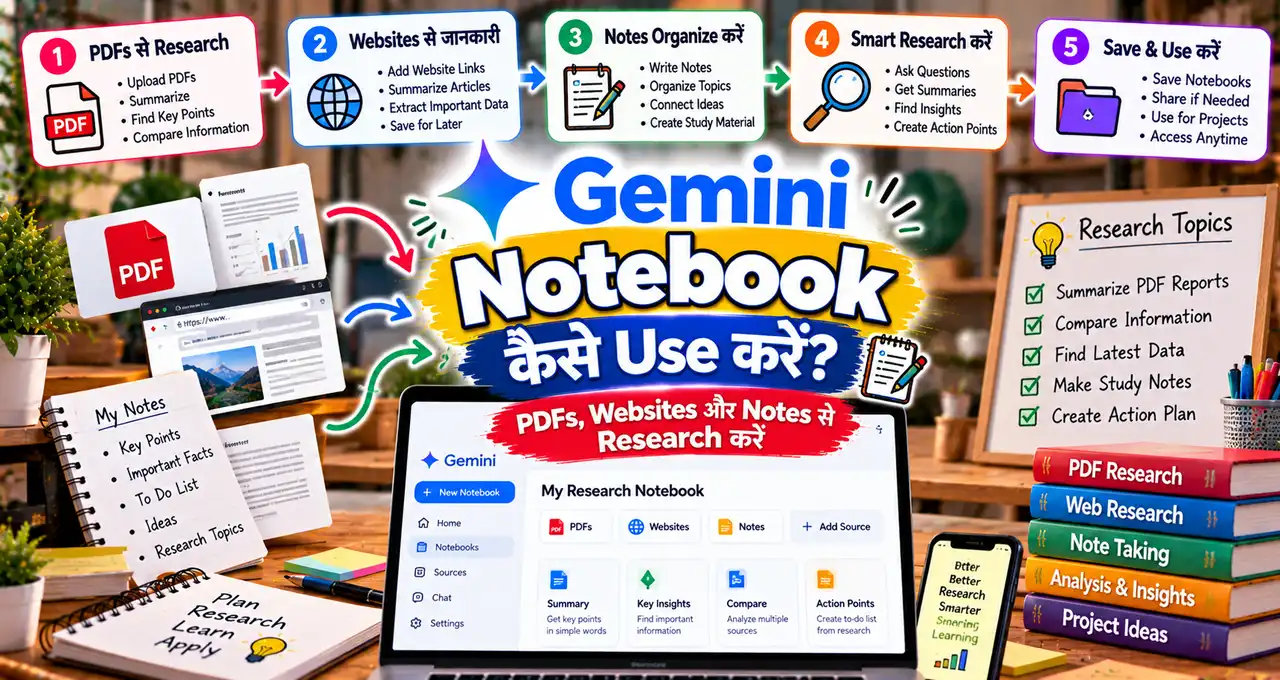
अगर आप documents और spreadsheets पर Gemini के साथ research workflow समझना चाहते हैं, तो Gemini Notebook से PDFs, Websites और Notes Research करने की guide भी useful है।
क्या Gemini Accountant को Replace कर सकता है?
नहीं। AI summary और analysis help कर सकती है, लेकिन tax filing, statutory compliance, bookkeeping classification और financial advice के लिए qualified accountant/professional की जरूरत बनी रहती है।
Gemini से “इस expense को tax में deduct कर सकता हूँ?” जैसे high-stakes सवाल का answer final authority न मानें। Better use यह है कि data summarize करवाएं और accountant के लिए साफ questions तैयार करें।
Receipts और Purchase Records के साथ Practical Workflow
Business owner weekly receipts और purchase entries को structured folder/spreadsheet में रख सकता है। Gemini से summary लेते समय साफ instruction दें कि missing amount या category invent न करे।
Example prompt:
इन purchase records को analyse करो। Total spend, category-wise spend, top 10 transactions और month-over-month change बताओ। Missing values को guess मत करो; जहां data incomplete है वहां “missing” लिखो।
Final totals source spreadsheet से cross-check करें।
Connected Apps से क्या फायदा होगा?
Google ने Google Business Profile, Google Ads और Google Workspace के अलावा Adobe, Canva, Dropbox, Shopify, Wix, Zoho और Xero जैसे connected apps के नाम लिए हैं। इसका मतलब business workflow सिर्फ Gemini chat तक limited नहीं रहना चाहिए।
Different business types के examples:
| Business | Possible Gemini Workflow |
|---|---|
| Local Shop | Branding + Google profile + campaign drafts |
| Online Store | Product content + Shopify data + campaign ideas |
| Freelancer | Workspace docs + client briefs + expense summaries |
| Service Business | Customer feedback + content + reporting |
| Small Agency | Brand assets + Canva/Adobe + performance analysis |
Connection permissions minimum रखें। हर app को full access देना जरूरी नहीं है।
Google Business Profile के साथ Gemini कैसे Useful हो सकता है?
Business Profile से customer-facing information जुड़ी होती है—opening hours, services, reviews और updates। Gemini connected context के साथ content drafting और insights में मदद कर सकता है, लेकिन public business information update करते समय manual approval रखना बेहतर है।
Example: holiday hours change हों तो AI draft बना सकता है, लेकिन final date/time owner verify करे। गलत hours customer visit को directly affect कर सकती हैं।
Small Business Owner के लिए 5 Practical Workflows
1. Monday Marketing Planner
पिछले week के customer feedback और current inventory के आधार पर 5 content ideas बनवाएं।
2. Weekly Finance Summary
Spreadsheet से revenue, खर्च और unusual changes का simple summary लें।
3. Review Analysis
Customer reviews को positive, complaint और suggestion themes में group करवाएं।
4. Brand Content Draft
Stored brand style के अनुसार campaign copy और visual direction बनवाएं।
5. Monthly Business Review
Sales, expenses और marketing activities को एक short action report में summarize करवाएं।
Automation का broader concept समझने के लिए AI Agents बिना Coding के कौन-कौन से काम Automate कर सकते हैं वाली guide भी useful है।
Nano Banana 2.1 का Role क्या है?
Google ने on-brand visual workflow को Nano Banana 2.1 के साथ highlight किया है। इसका role image generation में brand identity को campaign output के साथ combine करना है।
Business owner के लिए useful तरीका यह है कि AI से final ad blindly publish करने के बजाय first draft/variation बनवाएं, फिर human designer या owner final text, logo, price और product accuracy check करे।
Gemini में कौन-सा Data Upload करने से पहले सोचना चाहिए?
- Customer phone numbers
- Bank account details
- Passwords/API keys
- Confidential contracts
- Employee sensitive data
- Unredacted identity documents
AI workflow useful है, लेकिन minimum necessary data principle follow करें। Sensitive information analyze करनी हो तो account/business privacy settings और organizational policy पहले समझें।
क्या हर Small Business को ये Tools अभी मिल गए हैं?
Google ने rollout “coming days” में globally Gemini app users के लिए शुरू होने की बात कही है। इसलिए availability account, region, app version और connected service support के हिसाब से staggered हो सकती है।
अगर business landing page या कोई specific connection अभी नहीं दिखता, unofficial APK या unknown extension install न करें। Official Gemini app/web rollout का इंतजार करें।
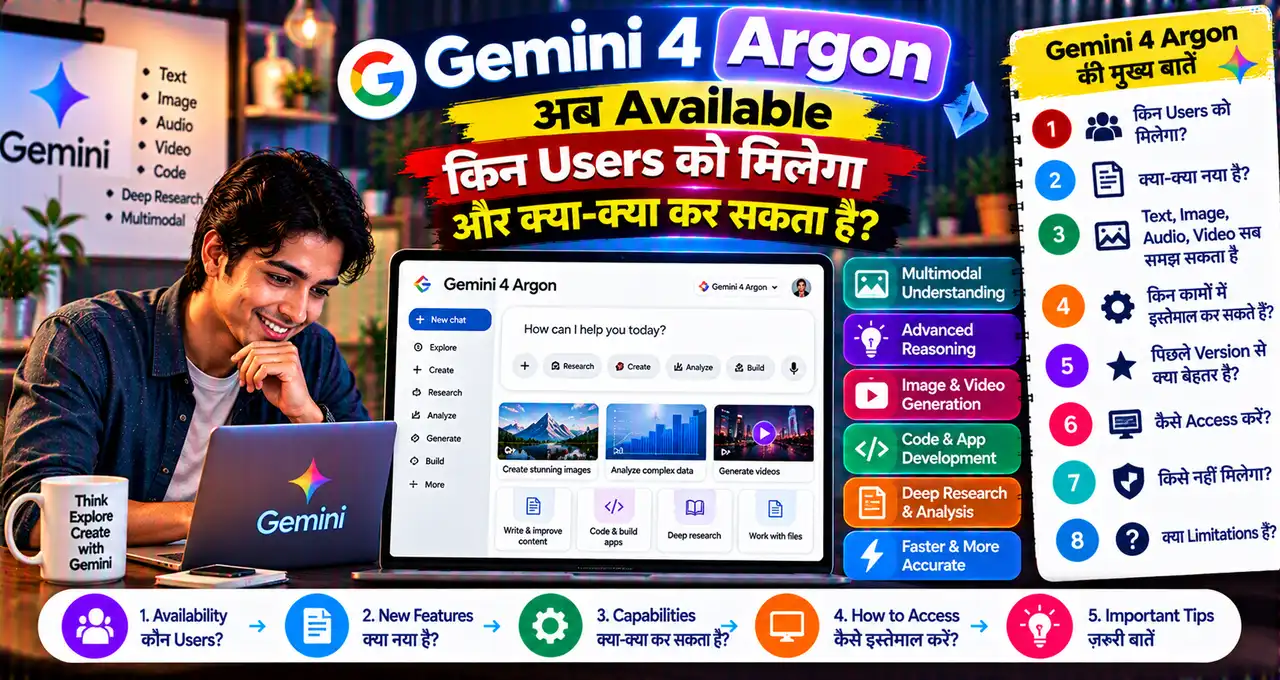
Gemini 4 Argon से इसका क्या Relation है?
Business tools और underlying Gemini model selection अलग concepts हैं। Business hub workflow, connections और skills पर focus करता है, जबकि model availability plan/account पर depend कर सकती है।
अगर आप current advanced Gemini model availability समझना चाहते हैं, तो Gemini 4 Argon की availability guide देख सकते हैं।
Business Owner को कौन-से 7 Safety Rules Follow करने चाहिए?
- AI-generated financial totals source sheet से verify करें।
- Price/discount publish करने से पहले actual offer check करें।
- Customer personal data minimize करें।
- Connected app permissions जरूरत भर रखें।
- Automatic public actions पर approval रखें।
- Tax/legal advice professional से verify करें।
- Generated product visuals को real product के रूप में misrepresent न करें।
30-Minute Setup Plan
पहले 10 minutes: Business goal, brand tone और top 5 recurring tasks लिखें। अगले 10 minutes: केवल जरूरी connected apps identify करें और permissions समझें।
Last 10 minutes: एक low-risk workflow test करें—जैसे weekly marketing plan या expense summary। Output reliable लगे तभी customer-facing या financial workflow में आगे बढ़ें।
आख़िर में एक छोटी सी बात
Gemini के नए small-business tools का सबसे useful हिस्सा सिर्फ AI content generation नहीं, बल्कि branding, connected apps और business data को एक repeatable workflow में जोड़ने की कोशिश है। Small business owner के लिए इसका सही use वही होगा जहां AI repetitive analysis और drafting संभाले और owner important decisions, accuracy और customer trust अपने control में रखे।
शुरुआत एक low-risk task से करें—जैसे weekly marketing plan या expense summary—और output को अपने real business data से verify करें। Brand, finance या customer-facing काम में Gemini को assistant बनाएं, final authority नहीं।