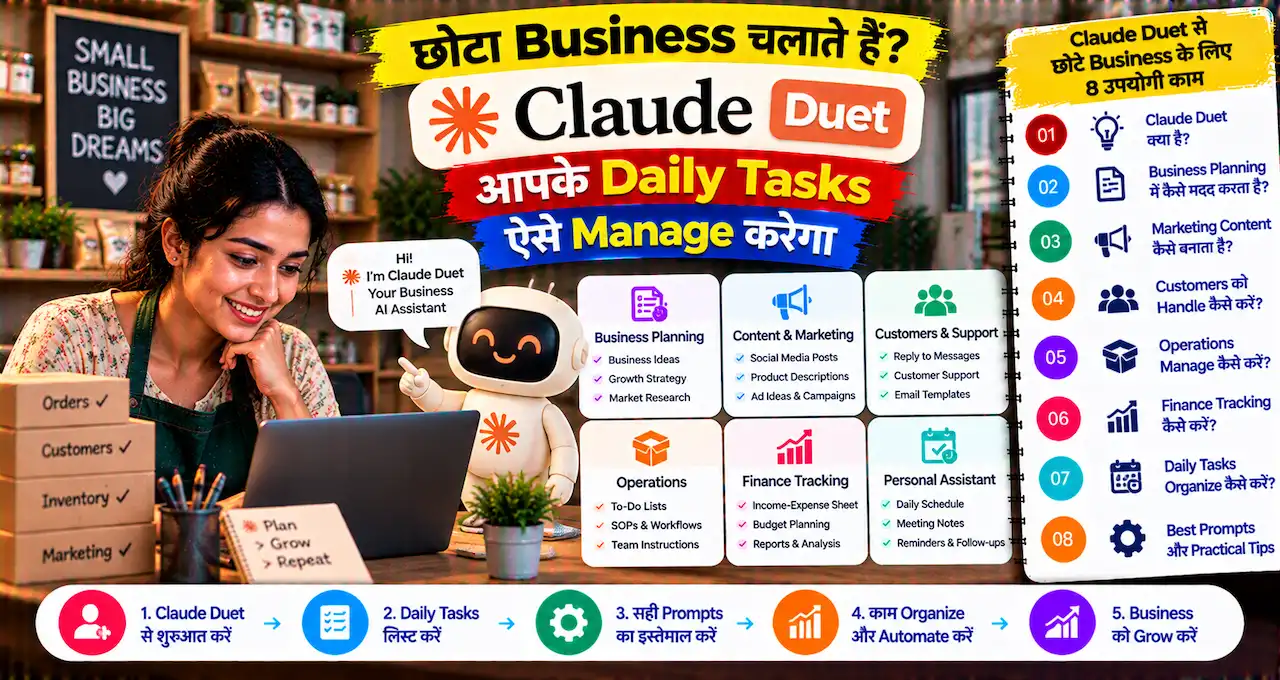


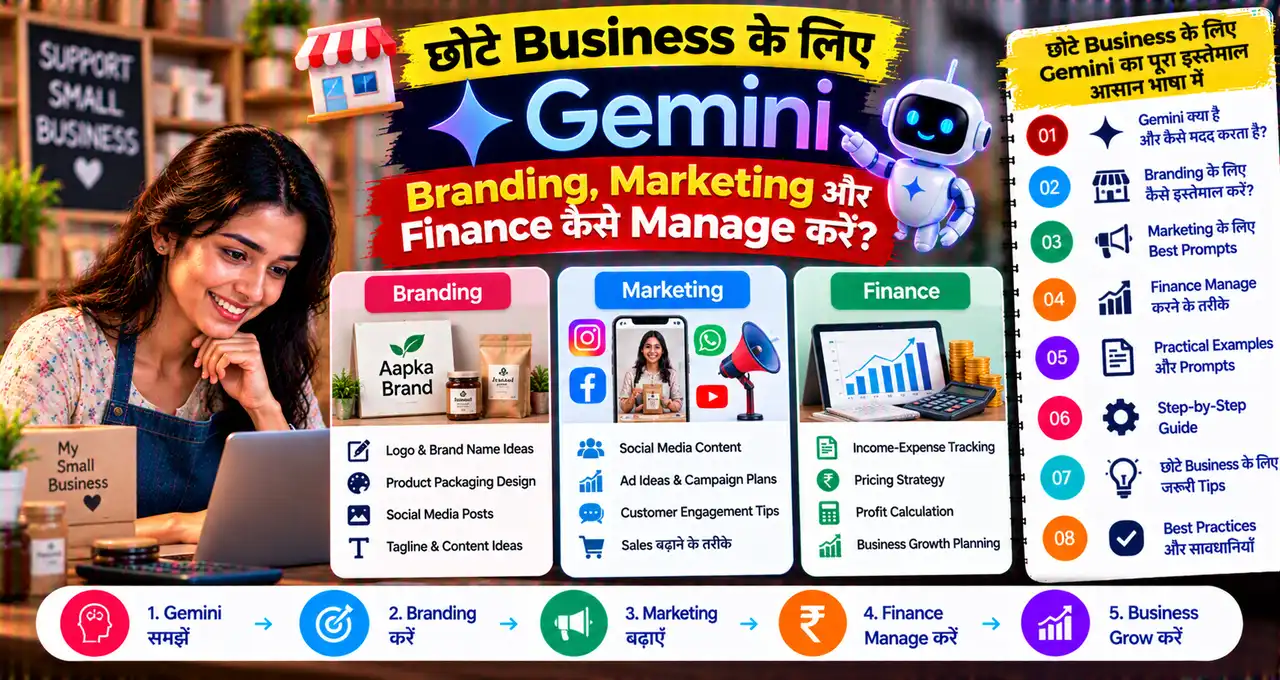
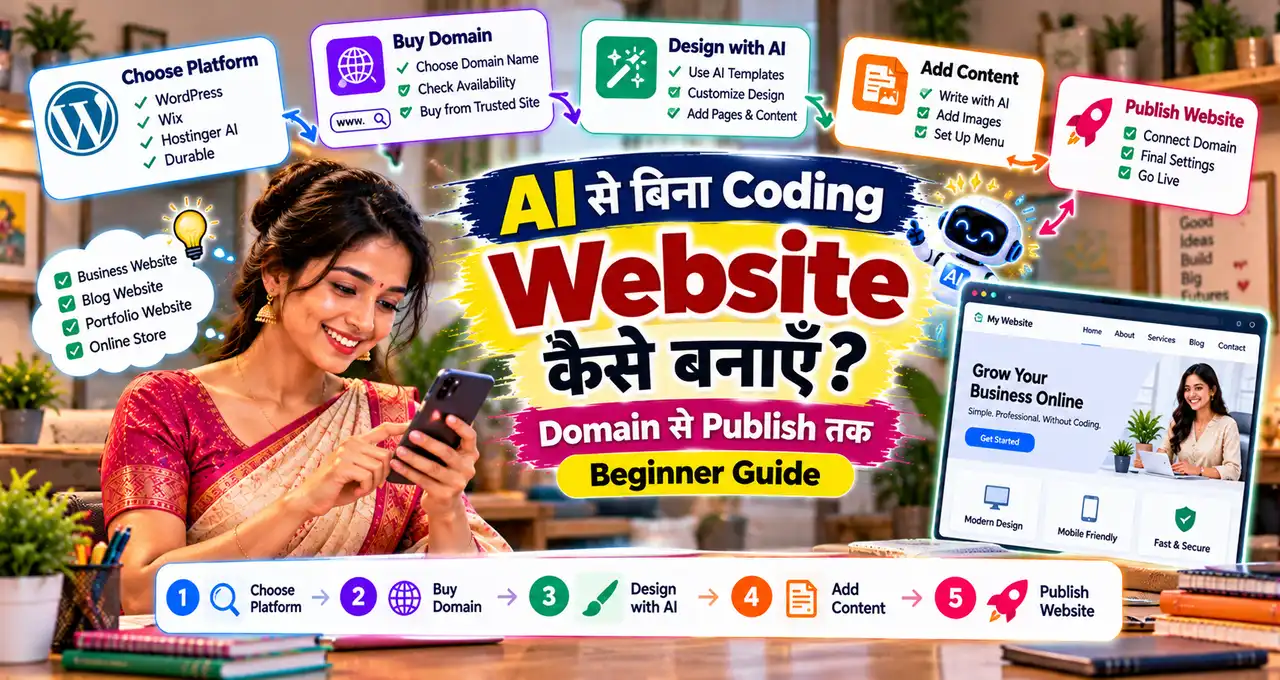

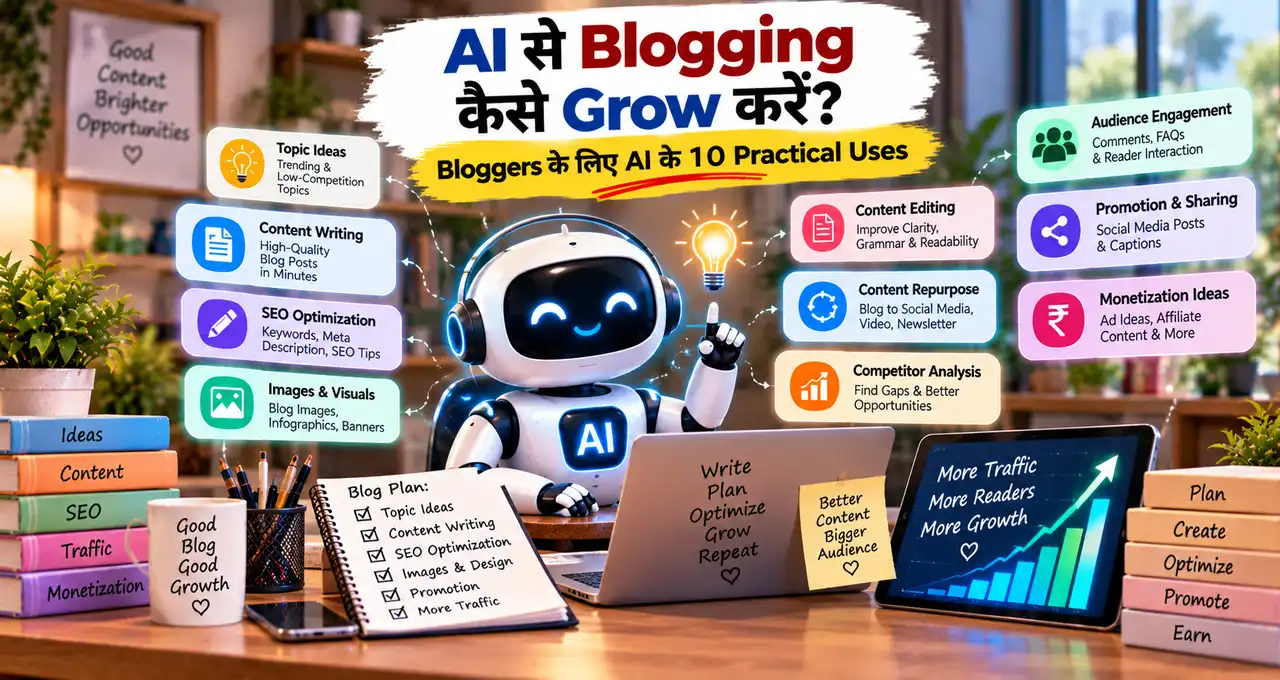

अगर आप छोटा business चलाते हैं, तो product अच्छा होने के साथ उसका अच्छा दिखना भी ज़रूरी है।
मान लीजिए आप घर से cakes बेचते हैं, handmade candles बनाते हैं, clothes बेचते हैं या jewellery का छोटा business चलाते हैं। Product अच्छा है, लेकिन उसकी photo कम रोशनी में जल्दी से खींचकर WhatsApp पर डाल दी।
दूसरी तरफ कोई seller लगभग वैसा ही product clean background, अच्छी lighting और professional creative के साथ दिखा रहा है।
Customer पहले किस product पर ध्यान देगा?
कई बार फर्क product quality में नहीं, presentation में होता है।
इस guide में आपको reusable AI product photo Master Prompts मिलेंगे। इन्हें product, audience, platform और campaign के हिसाब से आसानी से customize किया जा सकता है।
इस लेख में आप क्या सीखेंगे?
- Product details lock करना
- Prompt fields customize करना
- Product photos बनाना
- Marketing creatives बनाना
- Product accuracy check करना
- Final visual verify करना
AI से Product Photo बनाने से पहले क्या तैयार रखें?
Prompt शुरू करने से पहले product की basic details एक जगह लिख लें।
कम से कम ये information useful है:
- Product name
- Product category
- Actual color
- Shape और proportions
- Material
- Packaging
- Logo placement
- Important visible features
- Target customer
- Creative का purpose
अगर real product photo available है, तो supported AI tool में उसे reference के रूप में use करना बेहतर रहेगा।
Reference देने के बाद भी final result verify करें। AI packaging, label, logo, color या product proportions बदल सकते हैं।
अगर AI image creation नया है, तो AI से photo बनाने की beginner guide useful रहेगी।
Product Photo Prompt का Strong Structure क्या है?
Reusable prompt तभी आसान होता है जब user को हर बार पूरा paragraph edit न करना पड़े।
इस article में हर prompt का structure रहेगा:
Short instruction → editable fields → execution instructions → restrictions
Editable fields prompt के अंदर अलग-अलग lines में रहेंगे।
उदाहरण:
Product: [Product Name]
Background: [White / Beige / Dark]
Lighting: [Soft Studio / Natural / Cinematic]
Camera angle: [Front / Three-quarter / Top-down]
Format: [1:1 / 4:5]
इसके बाद stable instructions आएँगी जिन्हें आमतौर पर बदलने की जरूरत नहीं होगी।
Prompt writing की basic technique Prompt Engineering की practical guide में detail से समझ सकते हैं।
Product Visual में कौन-सी Details Invent नहीं करनी चाहिए?
AI creative attractive हो सकता है, लेकिन business use में accuracy ज्यादा important है।
इन details को बिना verification add न करें:
- price
- discount
- ingredients
- quantity
- product size
- warranty
- certification
- health benefit
- delivery promise
- stock availability
- offer deadline
- product specification
- rating
- award या badge
Visual styling AI decide कर सकता है।
Business facts business owner से आने चाहिए।
अगर कोई field blank है, तो prompt में instruction रखें कि AI उस information को खुद से fill न करे।
Ready-to-use Master Prompts से Product Photos और Marketing Creatives बनाएँ
नीचे के prompts fixed products के लिए नहीं हैं।
Brackets वाली fields बदलें और बाकी instructions वैसे ही रहने दें।
Master Prompt 1: Clean E-commerce Product Photo
Best for: Website, Marketplace, Catalogue
Style: Clean + professional
Create a professional e-commerce product photograph using the supplied reference image.
Product: [Product Name]
Background: [White / Light Grey / Soft Beige]
Camera angle: [Front / Three-quarter / Slight Top Angle]
Product placement: Center
Lighting: Soft diffused studio lighting
Shadow: Natural contact shadow
Format: [1:1 / 4:5]Preserve the exact product shape, actual color, packaging, material, proportions, label position and visible physical features. Keep one product fully visible, sharp and surrounded by clean space.
Do not redesign the packaging, change the product color, invent text, add accessories, create fake logos or alter visible product features.
Catalogue image में decoration कम रखें।
Product जितना साफ़ और accurately visible होगा, comparison उतना आसान रहेगा।
Master Prompt 2: Premium Hero Product Photo
Best for: Website Banner, Product Launch
Style: Premium + cinematic
Create a premium hero photograph using the supplied product reference.
Product: [Product Name]
Surface/background: [Dark / Warm Neutral / Brand Color]
Supporting elements: [Maximum 1–2 Relevant Elements]
Lighting: [Soft Key Light / Rim Light / Cinematic Studio Light]
Product placement: [Center / Left / Right]
Negative space: [Left / Right / Top / None]
Camera angle: [Front / Three-quarter / Slight Low Angle]
Format: [16:9 / 4:5 / 1:1]Make the product the single dominant subject. Preserve its real shape, packaging, color, label placement and proportions. Use realistic shadows and premium commercial lighting.
Do not invent product claims, awards, logos, packaging details or extra accessories that are not part of the product.
Premium look के लिए बहुत सारे props जरूरी नहीं हैं।
एक strong hero product और controlled lighting अक्सर ज्यादा effective रहते हैं।
Master Prompt 3: Lifestyle Product-in-Use Photo
Best for: Social Media, Website, Ads
Style: Natural + lifestyle
Create a realistic lifestyle product photograph.
Product: [Product Name]
Target customer: [Customer Type]
Location: [Home / Kitchen / Office / Outdoor / Other]
Use case: [Exact Realistic Activity]
Lighting: [Morning / Natural Indoor / Evening / Soft Studio]
Camera style: [Candid / Commercial Lifestyle / Eye-level]
Format: [4:5 / 9:16 / 16:9]Show the product being used naturally in a believable real-life situation. Preserve its actual design, size relationship, packaging and visible features. Keep the product clearly visible without forcing it unnaturally toward the camera.
Do not invent product functions, fake results, unsupported use cases or altered product details. Keep hands, people, furniture and surroundings realistic.
Lifestyle scene वही चुनें जहाँ product सच में use होता है।
Artificial scenario attractive लग सकता है, लेकिन customer expectation गलत बना सकता है।
Master Prompt 4: Existing Product Photo Background Replacement
Best for: Basic Phone Photos, Small Sellers
Style: Clean enhancement + realistic
Enhance the supplied real product photograph by replacing only its background.
Product: [Product Name]
Product category: [Category]
New setting: [Studio / Kitchen / Desk / Marble / Wooden / Neutral]
Background tone: [Color or Mood]
Lighting style: [Soft Studio / Natural / Warm]
Format: [1:1 / 4:5]Keep the product itself unchanged. Preserve its shape, packaging, color, printed design, logo placement and proportions. Match the new background lighting and shadows naturally with the original product.
Do not redraw the label, modify logos, alter product size, change packaging or invent missing product details.
अगर exact packaging important है, तो background-replacement workflow completely regenerated product से ज्यादा practical हो सकता है।
Master Prompt 5: Top-view Flat Lay Product Photo
Best for: Fashion, Stationery, Food Packs, Beauty Products
Style: Flat lay + organised
Create a clean top-down flat lay product photograph.
Main product: [Product Name]
Supporting items: [Maximum 2–4 Relevant Items]
Background/surface: [Exact Surface or Color]
Product position: [Center / Slightly Off-center]
Lighting: Soft overhead light
Text-safe area: [Top / Bottom / Left / Right / None]
Format: [1:1 / 4:5]Keep the main product as the clear visual priority. Preserve its real packaging, shape, color and visible features. Arrange supporting items with balanced spacing and realistic shadows.
Do not add unrelated props, fake labels, invented variants, prices or promotional information.
Supporting elements product category से relevant होने चाहिए।
सिर्फ़ खाली जगह भरने के लिए random objects add न करें।
Master Prompt 6: Product Bundle or Gift Pack
Best for: Combo Packs, Hampers, Festive Bundles
Style: Curated + premium
Create a polished product bundle photograph.
Product 1: [Exact Product]
Product 2: [Exact Product]
Product 3: [Exact Product / blank]
Packaging/gift box: [Exact Packaging / blank]
Background style: [Festive / Premium / Minimal / Natural]
Supporting decor: [Maximum 2–3 Elements]
Lighting: [Soft Studio / Warm / Natural]
Format: [4:5 / 1:1 / 16:9]Show exactly the supplied bundle items and arrange them clearly so customers can understand what the pack contains. Preserve the real appearance of every supplied product.
Do not add extra products, free gifts, prices, discounts, quantities or package contents that were not provided.
Bundle creative में वही items दिखने चाहिए जो customer को वास्तव में मिलेंगे।
Master Prompt 7: Feature-focused Product Creative
Best for: Feature Awareness, Product Education
Style: Informative + clean
Create a complete feature-focused marketing creative.
Product: [Product Name]
Verified feature: [Exact Physical Feature]
Headline: [Exact Feature Headline / blank]
Supporting line: [Exact Supporting Text / blank]
Brand style: [Minimal / Premium / Modern / Natural]
Background: [Exact Background]
Product placement: [Center / Left / Right]
Format: [4:5 / 1:1]Preserve the real product design, color, packaging and proportions. Visually draw attention to the supplied physical feature using composition, lighting or a restrained callout treatment.
Render supplied text exactly as written. If a text field is blank, omit it. Do not invent specifications, measurements, performance claims, certifications or additional benefits.
एक creative में एक main feature highlight करना ज्यादा clear रहता है।
Master Prompt 8: Sale and Offer Marketing Creative
Best for: Retail Offer, Seasonal Campaign
Style: Promotional + clear
Create a complete ready-to-use promotional creative.
Business name: [Exact Business Name]
Product: [Exact Product]
Campaign: [Sale / Festival Offer / Limited Campaign]
Headline: [Exact Headline]
Offer: [Exact Verified Offer / blank]
Price: [Exact Verified Price / blank]
Validity: [Exact Date / blank]
CTA: [Exact CTA]
Contact: [Exact Contact / blank]
Color palette: [Brand or Campaign Colors]
Format: [4:5 / 1:1 / 9:16]Keep the product as the visual hero and create clear hierarchy for headline, offer, price, validity and CTA. Add only restrained seasonal or retail decoration.
Render every supplied word, number, percentage and date exactly as written. Do not invent prices, discounts, urgency, stock claims, free gifts, contact details or business information. If a field is blank, omit it.
Offer poster का visual complete होना चाहिए।
Basic business text बाद में manually जोड़ना primary workflow नहीं रहेगा।
Master Prompt 9: Social Media Product Awareness Creative
Best for: Instagram, Facebook, Brand Awareness
Style: Modern + scroll-stopping
Create a complete social media product-awareness creative.
Product: [Product Name]
Target audience: [Audience]
Main theme/use case: [Exact Theme]
Headline: [Exact Short Headline / blank]
Supporting line: [Exact Text / blank]
CTA: [Exact CTA / blank]
Brand colors: [Exact Colors]
Product placement: [Center / Left / Right]
Format: [4:5 / 1:1 / 9:16]Preserve the actual product design, color, packaging and visible features. Communicate the supplied theme through clean composition and realistic commercial lighting.
Render supplied text exactly as written. Do not invent reviews, claims, discounts, specifications, logos or unsupported benefits. Omit blank text fields.
Awareness creative में sale message जरूरी नहीं है।
कई बार clear use case product को discount से बेहतर explain करता है।
Master Prompt 10: Product Variant Showcase
Best for: Colors, Flavours, Sizes, Collections
Style: Catalogue + organised
Create a clean product-variant showcase using supplied reference images.
Product family: [Product Name]
Variant 1: [Exact Variant Name]
Variant 2: [Exact Variant Name]
Variant 3: [Exact Variant Name / blank]
Background: [Light / Dark / Brand Color]
Arrangement: [Side-by-side / Grid / Horizontal Line]
Lighting: Consistent soft studio light
Format: [1:1 / 4:5 / 16:9]Show only the verified variants supplied above. Preserve each variant’s actual packaging, color and visible differences. Keep all products at comparable scale with consistent spacing.
Render variant names exactly as written if text is requested. Do not invent variants, change package colors, duplicate products or create fake names.
तीन variants हैं, तो AI को exactly three ही दें।
Extra imaginary variant customer confusion पैदा कर सकता है।
Master Prompt 11: WhatsApp Catalogue and Price Card
Best for: Local Shops, Home Businesses, Direct Selling
Style: Practical + mobile-first
Create a complete mobile-first WhatsApp product catalogue card.
Product name: [Exact Product Name]
Short detail: [Exact Short Detail / blank]
Price: [Exact Verified Price]
Offer: [Exact Verified Offer / blank]
Contact: [Exact WhatsApp Number / blank]
CTA: [WhatsApp to Order / Message to Enquire / Exact CTA]
Background: [Light / Brand Color]
Format: [4:5 / 9:16]Keep one main product clearly visible and create a simple mobile-readable hierarchy for product name, price, short detail and CTA.
Render every supplied word, number and phone number exactly as written. Do not invent discounts, stock messages, product claims, prices or contact information. Omit blank fields.
Mobile card में product, price और next action जल्दी समझ आने चाहिए।
Master Prompt 12: Local Business Campaign Creative
Best for: Shop, Salon, Bakery, Boutique, Service Business
Style: Local marketing + conversion-focused
Create a complete marketing creative for a local business.
Business type: [Exact Business Type]
Business name: [Exact Business Name]
Product/service: [Exact Product or Service]
Target audience: [Local Audience]
Campaign goal: [Store Visit / WhatsApp Enquiry / Order / Booking]
Headline: [Exact Headline]
Offer: [Exact Verified Offer / blank]
Price: [Exact Price / blank]
Location/service area: [Exact Detail / blank]
Contact: [Exact Contact / blank]
CTA: [Exact CTA]
Brand colors: [Exact Colors]
Format: [4:5 / 1:1 / 9:16]Use supplied real product or business reference images wherever available. Maintain accurate product appearance and create one clear visual hierarchy around the campaign goal.
Render every supplied business detail exactly as written. Do not invent testimonials, ratings, discounts, prices, availability, addresses, claims or contact information. Omit blank fields.
एक creative का एक primary conversion goal रखें।
Store visit और WhatsApp order को बराबर prominence देना जरूरी नहीं है।
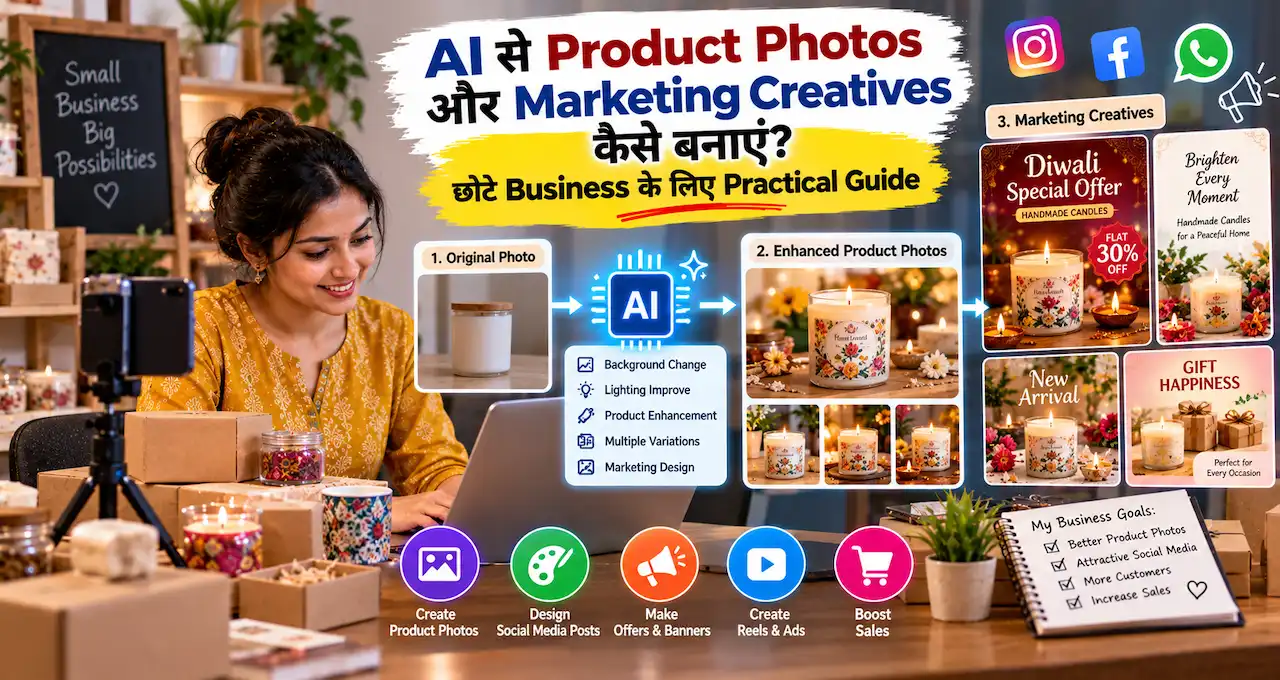
एक ही Product से अलग Creatives कैसे बनाएँ?
हर बार नया product-shoot concept invent करने की जरूरत नहीं है।
मान लें आप handmade candle बेचते हैं।
| Creative | Main Purpose |
|---|---|
| White-background photo | Catalogue |
| Premium hero photo | Website/banner |
| Lifestyle setup | Product use |
| Flat lay | Social media |
| Feature creative | Product feature |
| Bundle photo | Gift set |
| Offer creative | Promotion |
| WhatsApp card | Direct enquiry |
यही approach content production को scalable बनाती है।
Small business marketing की broader strategy के लिए AI से छोटे Business की Marketing वाला guide useful है।
Product Reference Photo अच्छी कैसे लें?
Expensive camera जरूरी नहीं है।
लेकिन clean reference photo AI-assisted workflow को ज्यादा reliable बना सकती है।
Phone से photo लेते समय:
- Product clean करें।
- Packaging सीधी रखें।
- Soft daylight use करें।
- Camera lens साफ़ करें।
- Product पूरा frame में रखें।
- Extreme wide angle avoid करें।
- Front और side photo लें।
- Label के लिए close-up रखें।
अगर source photo बहुत dark या blurred है, तो AI से पूरा product reconstruct करवाने से पहले बेहतर reference लेना ज्यादा practical है।
Product Accuracy के लिए Lock List बनाएँ
हर product की छोटी lock list reuse की जा सकती है।
उदाहरण:
Product: Handmade soap
Actual color: Light beige
Shape: Rectangular
Packaging: Kraft paper sleeve
Logo: Center front
Weight: सिर्फ़ verified packaging के अनुसार
Ingredients: Invent नहीं करने हैं
Claims: कोई नया claim नहीं
Variants: सिर्फ़ supplied variants
अब multiple creatives में वही product consistency maintain करना आसान होगा।
Marketing Creative में Visual Hierarchy कैसे रखें?
हर element बराबर important नहीं होता।
Practical hierarchy:
Product → Main Message → Offer/Benefit → CTA → Supporting Details
पहले product दिखे।
फिर customer समझे कि creative किस बारे में है।
इसके बाद offer या benefit आए।
अंत में next action clear हो।
अगर हर line equally large, bold और bright है, तो hierarchy खत्म हो जाती है।
Social distribution के लिए AI से Social Media Marketing वाला guide relevant रहेगा।
AI Text गलत बने तो क्या करें?
Marketing creative में visible text जरूरी हो, तो उसे prompt के अंदर ही exact wording के साथ generate करवाएँ।
अगर spelling, price या phone number गलत आए, तो पहले correction prompt use करें:
Keep the complete product creative, product appearance, background, lighting and layout unchanged. Correct only the visible business text.
Product name must be exactly: “[Exact Product Name]”
Price must be exactly: “[Exact Price]”
Offer must be exactly: “[Exact Offer]”
Contact must be exactly: “[Exact Contact]”
Do not change any other visual element and do not add extra text.
Repeated correction के बाद भी exact text सही न आए, तभी manual editor fallback रखें।
Business-critical information publish करने से पहले हमेशा manually verify करें।
Aspect Ratio कैसे चुनें?
एक design को हर platform पर force करके crop करना ideal नहीं है।
Platform के हिसाब से composition regenerate करना बेहतर है।
| Purpose | Common Format |
|---|---|
| Square Post/Catalogue | 1:1 |
| Feed Creative | 4:5 |
| Status/Story | 9:16 |
| Website Banner | 16:9 |
Prompt में सिर्फ़ ratio बदलना काफी नहीं हो सकता।
Hero placement और text hierarchy भी नए canvas के अनुसार adapt होने चाहिए।
AI Product Visual में Common Mistakes
Product बदल जाना
AI packaging या shape redesign कर देता है।
Reference image और preserve-product instruction use करें।
Random Text
Label या generated copy गलत हो सकती है।
Exact text prompt में दें और final output verify करें।
Fake Offer
AI को discount या price खुद से decide न करने दें।
बहुत सारे Props
Supporting elements product को hide नहीं करने चाहिए।
Unrealistic Scale
Product हाथ, table या room के मुकाबले गलत size में दिख सकता है।
Wrong Variant
Supplied variant list से बाहर कुछ generate न होने दें।
Over-polished Product
AI product को वास्तविक item से materially अलग बना सकता है।
हर Creative को Sale Poster बनाना
Catalogue, awareness, lifestyle और feature creatives भी जरूरी हो सकते हैं।
Product Photo से Campaign तक Simple Workflow
Step 1: Real Product Reference लें
Front, side और useful close-up photos लें।
Step 2: Product Lock List बनाएँ
जो चीजें change नहीं होनी चाहिए, उन्हें लिखें।
Step 3: Campaign Goal तय करें
Catalogue, awareness, feature या sale?
Step 4: Relevant Master Prompt चुनें
हर use case के लिए same prompt use न करें।
Step 5: Editable Fields भरें
Sirf brackets वाली values बदलें।
Step 6: 2–3 Versions बनाएँ
Background, angle या composition test करें।
Step 7: Accurate Version चुनें
सिर्फ़ सबसे pretty image select न करें।
Step 8: Text और Facts Verify करें
Price, offer, contact और product details check करें।
Step 9: Mobile पर देखें
छोटी screen पर product और message clear होने चाहिए।
Bonus Master Prompt: किसी भी Product का Creative बनाएँ
अगर ऊपर के Master Prompts में exact situation fit नहीं होती, तो यह reusable template use करें।
Create a commercially clean and realistic product marketing visual using the supplied real reference image.
Product: [Exact Product Name]
Business type: [Business Type]
Target audience: [Audience]
Creative goal: [Catalogue / Awareness / Feature / Sale / Website Hero / WhatsApp Enquiry / Social Media]
Headline: [Exact Headline / blank]
Supporting text: [Exact Text / blank]
Offer: [Exact Verified Offer / blank]
Price: [Exact Verified Price / blank]
CTA: [Exact CTA / blank]
Contact: [Exact Contact / blank]
Visual style: [Minimal / Premium / Lifestyle / Festive / Modern / Natural]
Background: [Background]
Supporting elements: [Maximum 2–4 Relevant Elements]
Lighting: [Soft Studio / Natural / Cinematic / Warm]
Camera angle: [Front / Three-quarter / Top-down / Eye-level]
Hero placement: [Center / Left / Right]
Format: [1:1 / 4:5 / 9:16 / 16:9]Preserve the actual product shape, size proportion, packaging, color, logo position and visible features. Keep the product as the clear visual hero.
Render every supplied text field exactly as written. If a field is blank, omit it completely.
Do not invent prices, discounts, claims, reviews, ratings, certifications, ingredients, warranties, phone numbers, offer deadlines or missing product details.
पहले product accuracy वाली fields भरें।
उसके बाद campaign goal और visual style decide करें।
Final Product Creative Checklist
Publish करने से पहले check करें:
- Product shape सही है?
- Actual color match करता है?
- Packaging बदली तो नहीं?
- Logo distorted तो नहीं?
- Label misleading तो नहीं?
- Fake variant add तो नहीं हुआ?
- Product scale realistic है?
- Props relevant हैं?
- Price verified है?
- Discount verified है?
- Offer validity सही है?
- Contact exact है?
- Product claim supported है?
- Text readable है?
- Mobile crop सही है?
- CTA clear है?
- Customer को वही product मिलेगा जो visual में दिख रहा है?
अगर आखिरी सवाल का answer uncertain है, तो creative revise करें।
Business के broader workflow में इन creatives को जोड़ना हो, तो AI से Business Manage करने की Full Guide useful next step है।
आख़िर में एक छोटी सी बात
AI छोटे business को catalogue से campaign तक professional-looking product visuals जल्दी बनाने में मदद कर सकता है। लेकिन attractive creative से ज्यादा जरूरी है कि product वही दिखे जो customer को सच में मिलेगा।
एक real product चुनें और उसके लिए catalogue, lifestyle और promotional creative के तीन versions बनाएँ। इससे जल्दी समझ आएगा कि आपके business के लिए कौन-सा visual सबसे useful है।
आप सबसे पहले किस product के लिए AI creative बनाना चाहेंगे—clothing, food, beauty product, handmade item या electronics? Comments में product category बताएँ और यह भी बताएँ कि आपको catalogue photo चाहिए या marketing creative।