
Ladki Bahin Yojana की e-KYC में सबसे जरूरी बात सही official portal और सही Aadhaar verification है, न कि किसी पुराने deadline screenshot को current मान लेना।
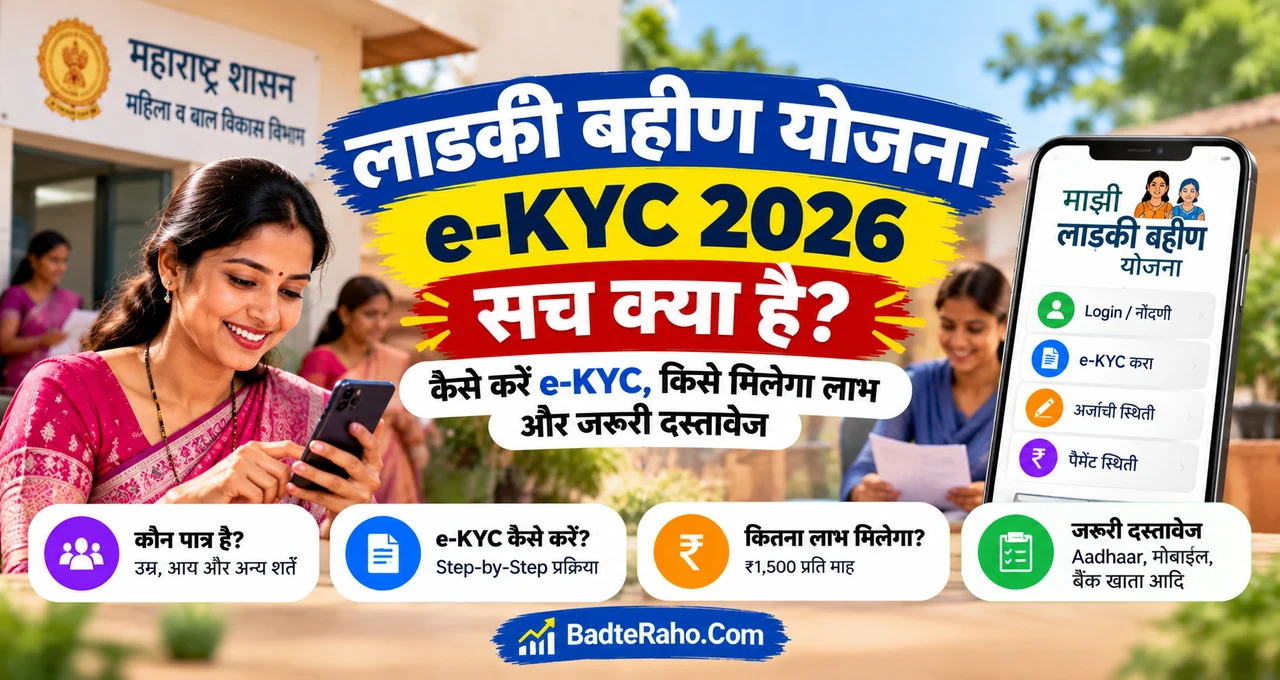
Maharashtra की Mukhyamantri Majhi Ladki Bahin Yojana eligible women को ₹1,500 per month DBT support देती है। Beneficiary verification के लिए Aadhaar-based e-KYC process official portal पर उपलब्ध कराया गया था, जिसमें OTP और family-related declarations शामिल हो सकती हैं।
लेकिन 2026 में e-KYC करते समय current portal status और latest government notice को priority देना जरूरी है। पुराने dates को automatic current deadline न मानें।
अब पूरा practical flow समझते हैं।
इस लेख में आप क्या सीखेंगे?
- e-KYC क्यों जरूरी
- Official portal process
- OTP कहाँ आएगा
- Family details कब
- Status कैसे check करें
- Payment issue क्या करें
Ladki Bahin Yojana क्या है?
Mukhyamantri Majhi Ladki Bahin Yojana Maharashtra Government की women-focused financial assistance scheme है।
MyScheme के current overview के अनुसार eligible women को ₹1,500 per month DBT benefit मिलता है। Eligibility में Maharashtra residency, prescribed age range, income condition और Aadhaar-linked bank account जैसे factors शामिल हैं।
इसलिए सिर्फ Aadhaar होना पर्याप्त नहीं है।
e-KYC identity verification है; eligibility का पूरा replacement नहीं।
Ladki Bahin Yojana e-KYC क्यों जरूरी है?
Government beneficiary database को clean और verified रखना चाहती है। Aadhaar authentication duplicate, incorrect या unmatched records पहचानने में मदद कर सकती है।
Official Maharashtra e-KYC circular में beneficiary Aadhaar, captcha, OTP verification और कुछ cases में husband/father Aadhaar details का process बताया गया था।
यानी यह सिर्फ mobile OTP form नहीं है। इसमें beneficiary record और family-related verification भी शामिल हो सकती है।
Official e-KYC Process क्या है?
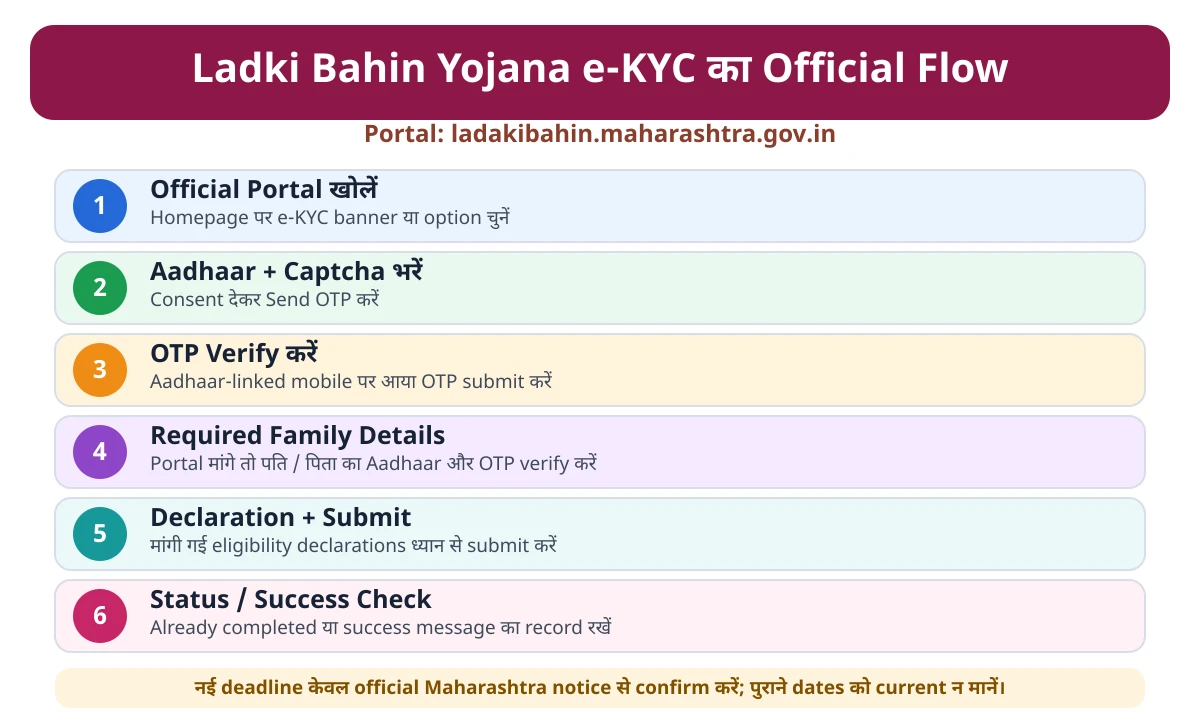
पहला step official portal है: ladakibahin.maharashtra.gov.in.
Homepage पर e-KYC banner या option available हो तो उसे open करें। Beneficiary Aadhaar number और captcha enter करें, Aadhaar authentication consent दें और Send OTP select करें।
OTP Aadhaar-linked mobile पर आता है।
Portal यह भी check कर सकता है कि e-KYC पहले से complete है या नहीं। अगर record already complete है, message दिखाई दे सकता है।
अगर further family verification required हो, portal husband/father Aadhaar और OTP process मांग सकता है।
पति या पिता का Aadhaar क्यों मांगा जा सकता है?
Scheme eligibility family conditions से भी जुड़ी है। इसी वजह से official e-KYC flow में कुछ beneficiaries के लिए husband/father Aadhaar authentication का step रखा गया था।
लेकिन हर case same नहीं होगा।
Widow, divorced या exceptional family situations में गलत Aadhaar number भरकर form complete करने की कोशिश न करें।
Maharashtra Government ने special cases के लिए separate instructions भी जारी किए थे। ऐसे case में Anganwadi worker या Women and Child Development office से guidance लेना safer है।
e-KYC के लिए क्या ready रखें?
Beneficiary का Aadhaar number और Aadhaar-linked mobile सबसे important हैं।
Portal अगर मांगे, तो husband/father Aadhaar और उनके Aadhaar-linked mobile पर OTP access भी required हो सकता है।
इसके अलावा beneficiary record, family declaration और scheme-related basic details सही होनी चाहिए।
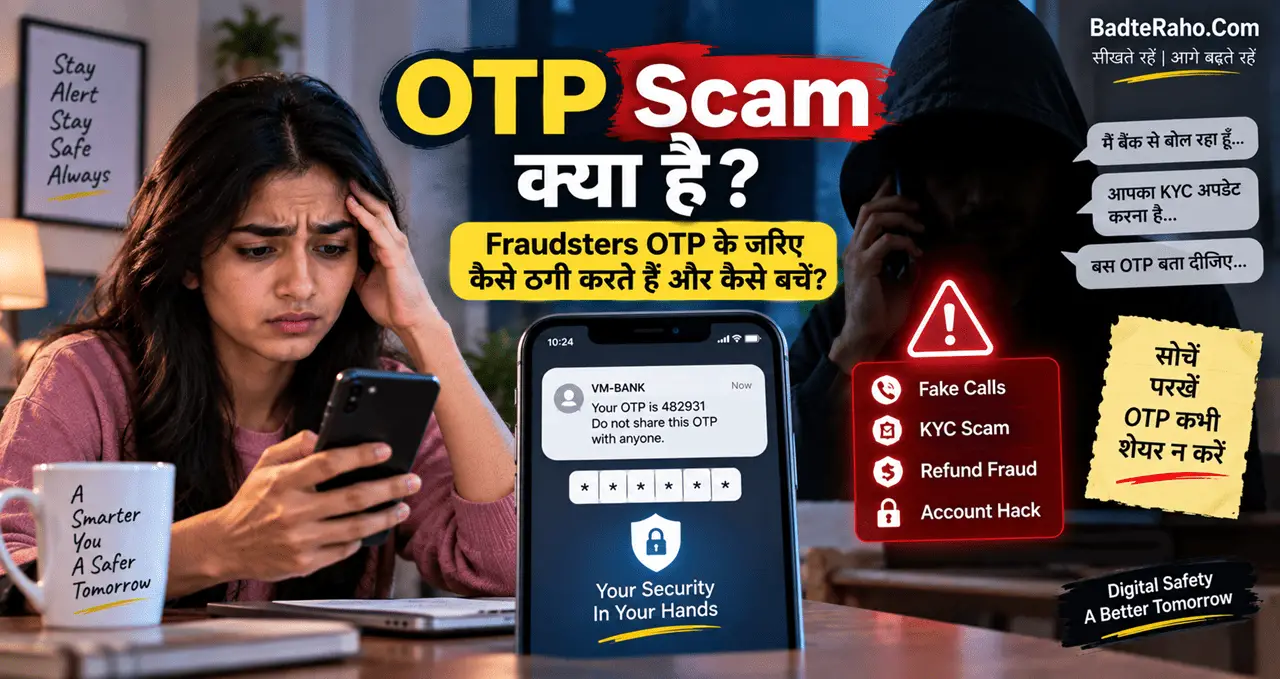
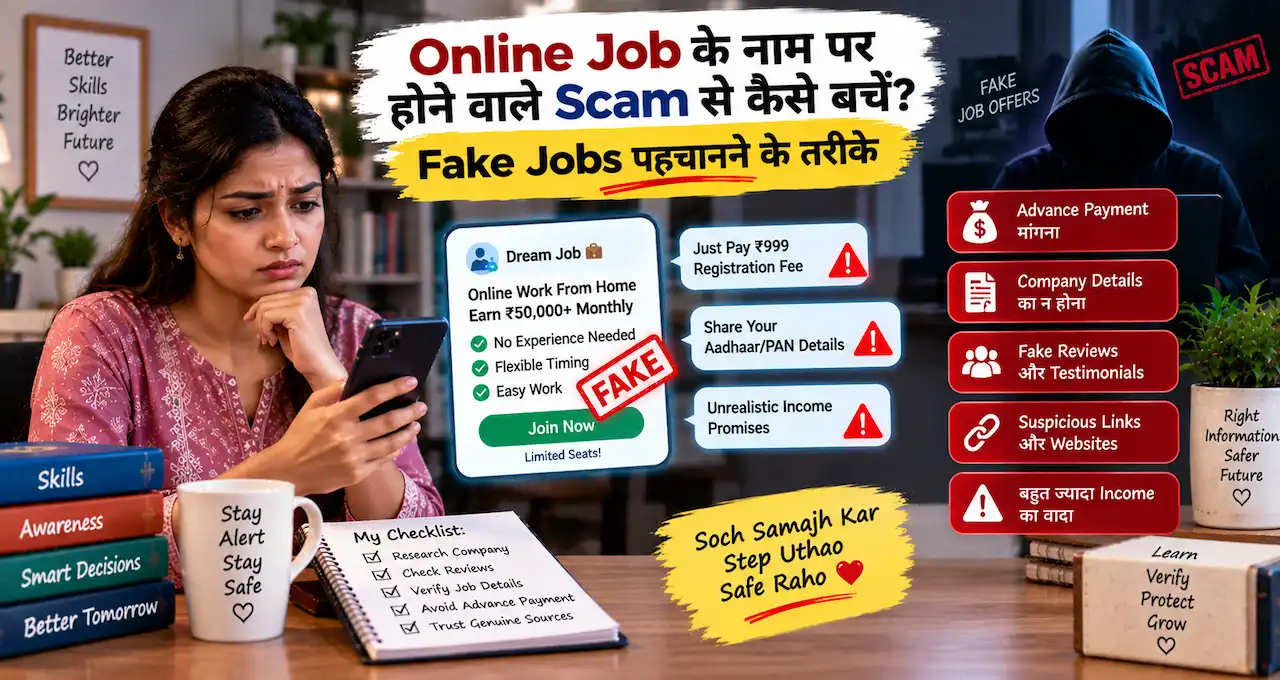
OTP किसी agent को forward न करें। OTP scam के practical warning signs समझकर रखें।
2026 की e-KYC deadline क्या है?
यहीं सावधानी जरूरी है।
Older notices और articles में अलग-अलग dates दिखाई दे सकती हैं। लेकिन current 2026 deadline तभी मानें जब Maharashtra Government, Women and Child Development Department या official portal पर fresh notice available हो।
पुरानी deadline को नया deadline मानकर panic न करें।
अगर portal e-KYC option active दिखा रहा है, process complete करें। अगर option बंद है, official local office से current status confirm करें।
अगर e-KYC पहले ही complete है तो?
दोबारा सिर्फ इसलिए मत करें कि कोई नया article “2026 e-KYC” लिख रहा है।
पहले official portal पर status देखें। अगर “already completed” या equivalent success message मिलता है, screenshot save कर लें।
Re-KYC या edit तभी करें जब official notice specifically कहे।
e-KYC Status कैसे check करें?
Official portal open करें और available e-KYC/beneficiary option में required details enter करें।
Status message का screenshot रखना useful है।
अगर login या OTP problem है, Aadhaar-linked mobile check करें। Name, bank record या beneficiary details mismatch हो तो local support office से correction route पूछें।
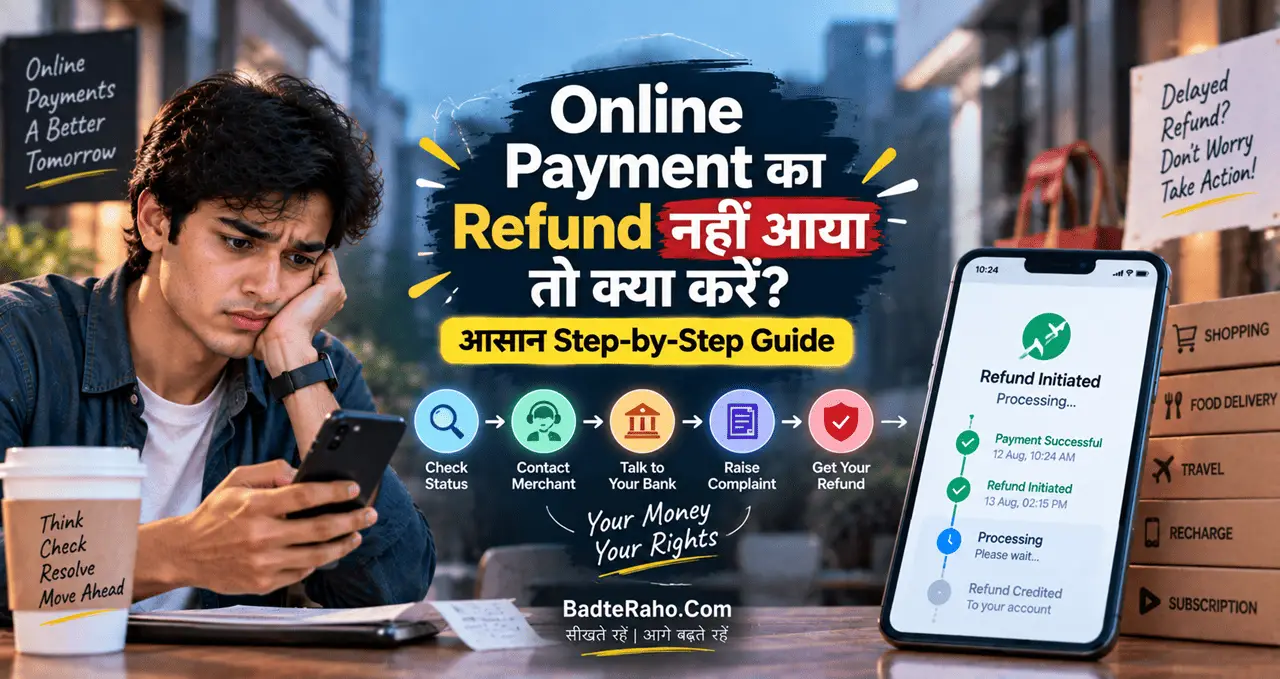
e-KYC complete है लेकिन ₹1,500 नहीं आया तो?
Payment delay का कारण सिर्फ e-KYC नहीं होता।
Bank account status, Aadhaar seeding, DBT mapping, eligibility review या beneficiary record issue भी reason हो सकता है।
पहले bank transaction/passbook check करें। फिर official portal status देखें।
इसके बाद Anganwadi worker या Women and Child Development office से record verification कराएं।
किसी व्यक्ति को “installment start कराने” के नाम पर पैसे देना safe नहीं है।
Common e-KYC Errors क्या हैं?
गलत Aadhaar digits.
यह simple mistake है, लेकिन verification रोक सकती है। Submit से पहले number double-check करें।
OTP expired.
OTP time-sensitive होता है। Delay होने पर fresh OTP request करनी पड़ सकती है।
Family Aadhaar mismatch.
Portal में husband/father detail मांगी जाए तो guess न करें। Correct record ही enter करें।
Wrong declaration.
Eligibility declarations carefully पढ़ें। एक गलत option future verification issue बना सकता है।
अगर husband/father का Aadhaar available नहीं है तो?
Special circumstances में fake number डालना सबसे खराब workaround है।
Widow, divorced या deceased family-member cases के लिए official departmental instructions और local verification route follow करें।
Anganwadi worker ऐसे cases में practical first contact हो सकती हैं।
क्या e-KYC mobile से हो सकती है?
हाँ, official portal mobile browser से open किया जा सकता है, और OTP-based flow phone पर complete हो सकता है—अगर portal option active है और Aadhaar-linked mobile available है।
Stable internet use करें। Public cybercafe computer पर Aadhaar/OTP भरते समय extra caution रखें।
Process complete होने के बाद logout करें और sensitive screenshots public gallery/share apps में unnecessarily न रखें।
Fake e-KYC Website कैसे पहचानें?
Official domain carefully check करें। phishing message और fake website checks भी useful रहेंगे। Similar spelling वाला domain phishing हो सकता है।
Government scheme का logo copy करना आसान है। OTP share करने के risks भी ध्यान रखें। Domain verify करना ज्यादा important है।
- Unknown shortened link से e-KYC न करें
- UPI PIN/ATM PIN कभी न दें
- OTP केवल official authentication screen पर enter करें
- “₹500 देकर KYC unlock” जैसे claims ignore करें
Bank Aadhaar linking क्यों important है?
Scheme benefit DBT से आता है। इसलिए bank account और Aadhaar linkage issue payment को affect कर सकता है।
अगर portal e-KYC successful है लेकिन money credit नहीं हुई, bank branch से Aadhaar seeding/DBT status confirm करना useful है। Digital payment basics समझने के लिए digital payment guide भी देख सकते हैं।
e-KYC success और payment success को एक ही चीज न समझें।
क्या सभी women eligible हैं?
नहीं। Scheme specific eligibility conditions पर चलती है।
MyScheme overview में Maharashtra resident women, age 21–65 years, Aadhaar-linked bank account और family income up to ₹2.5 lakh जैसी conditions दी गई हैं।
Other exclusions और conditions भी apply हो सकती हैं। इसलिए सिर्फ e-KYC complete होने से benefit guarantee नहीं होता।
अगर portal पर option नहीं दिख रहा तो?
Refresh करके बार-बार random details भरना solution नहीं है।
Portal maintenance, rollout state या beneficiary-specific status कारण हो सकता है। Official helpline/local department/Anganwadi network से status confirm करें।
किसी unofficial website पर जाकर alternative KYC न करें।
Quick FAQ
क्या e-KYC mobile से हो सकती है? Official portal active हो और Aadhaar-linked mobile available हो, तो OTP-based process mobile browser से possible है।
क्या ₹1,500 e-KYC करते ही मिल जाता है? नहीं। Payment eligibility, DBT mapping और beneficiary status पर depend करता है।
क्या पुरानी deadline अभी भी valid है? Fresh government notice के बिना पुरानी date को current deadline न मानें।
e-KYC complete है, फिर क्या? Success message save रखें और payment status अलग से monitor करें।
सबसे जरूरी बात क्या याद रखें?
Ladki Bahin e-KYC का safest route official Maharashtra portal है। Aadhaar + OTP process के साथ beneficiary/family verification भी हो सकती है।
Current deadline सिर्फ fresh official notice से confirm करें।
और अगर e-KYC complete होने के बाद payment नहीं आता, तो bank DBT status और beneficiary eligibility भी check करें।
e-KYC के बाद bank और DBT details भी check करें
e-KYC successful होने के बाद भी payment issue possible है। वजह Aadhaar verification नहीं, bank-side mismatch हो सकता है।
Name, account status और DBT linkage तीनों important हैं। Beneficiary name और bank record में major mismatch हो तो payment processing प्रभावित हो सकती है।
Bank account active होना चाहिए। अगर account dormant, closed या incorrect details वाला है, तो e-KYC complete होने के बावजूद benefit credit नहीं होगा।
Payment pending हो तो पहले official portal status देखें, फिर bank passbook/statement और Aadhaar-linked account details verify करें।
OTP नहीं आ रहा तो क्या करें?
OTP delay common technical problem हो सकती है। तुरंत बार-बार request भेजना हमेशा मदद नहीं करता।
- Network signal check करें
- Aadhaar-linked mobile verify करें
- कुछ समय बाद retry करें
- Official portal ही use करें
अगर Aadhaar में पुराना mobile number registered है, online e-KYC complete करना मुश्किल हो सकता है। ऐसे case में Aadhaar update या scheme द्वारा उपलब्ध assisted support route check करें।
OTP किसी caller, WhatsApp number या agent को न बताएं। Government verification के नाम पर OTP मांगना scam signal हो सकता है।
इस risk को समझने के लिए OTP scam safety guide भी useful है।
Status में error या mismatch दिखे तो क्या करें?
गलत spelling, Aadhaar mismatch, family declaration issue या incomplete verification error दिखा सकते हैं। Error message का screenshot save करें।
पहले portal पर correction/edit option check करें। अगर self-correction available नहीं है, तो official scheme helpline, local authorised office या notified support channel use करें।
Third-party website पर Aadhaar और bank details upload करके “instant correction” करवाने की कोशिश न करें।
Official portal के बाहर sensitive documents देना सबसे बड़ा avoidable risk है।
एक practical example से समझें
मान लीजिए Meena का e-KYC OTP successfully verify हो गया, लेकिन payment status pending है। इस स्थिति में दोबारा e-KYC करते रहना सही solution नहीं।
पहले beneficiary status, bank account details और DBT linkage check करना चाहिए। अगर portal verification complete दिखाता है लेकिन payment नहीं आया, तो issue bank/payment processing side पर हो सकता है।
इसी तरह अगर Aadhaar name “Meena Ramesh Patil” है और bank record में अलग spelling है, correction की जरूरत पड़ सकती है।
Deadline की खबर कैसे verify करें?
Scheme-related websites अक्सर old deadline को new year के साथ republish कर देती हैं। इसलिए date देखकर तुरंत panic न करें।
Latest deadline सिर्फ Maharashtra Government notice, official portal banner या current GR/order से verify करें। Social-media पोस्ट या पुराने screenshot को final proof न मानें।
यही rule payment restart, re-KYC और document-update जैसी खबरों पर भी apply करें।
आख़िर में एक छोटी सी बात
e-KYC process technical लग सकती है, लेकिन सही portal और सही Aadhaar-linked mobile होने पर basic flow straightforward है। Problem तब होती है जब पुराने dates, unofficial links और incomplete information mix हो जाती है।
Official status को final मानें और special family cases में local department से guidance लें।
अगर आपने Ladki Bahin e-KYC complete कर ली है, comment में बताइए कि portal पर आपको कौन-सा success/status message दिखा। अगर Maharashtra Government नया 2026 deadline या process update जारी करता है, हम इस guide को revise करेंगे।